Apps Like How to Draw - Step by Step for iPhone and iPad
Learn to draw step by step.
The app guides children through drawing with a step-by-step process. Kids can learn to draw various subjects, then color and decorate their creations in a personal gallery.
by Brave Tomatoes Ltd.★ 1.73 ratingsGamesFreeData updated 2026-11-05
Sketch 3D cars with customizable parts like wheels and boosters. Complete challenging levels and puzzles. Unlock new features and progress through the game. Share creations and compete with others.
Learn colors and shapes through interactive drawing activities. Create art using fingerprint tracing and guided drawing exercises. Explore music games to recognize notes and rhythms. Engage in crafting activities to develop fine motor skills.
Create and animate drawings of characters like butterflies, frogs, and hedgehogs. Use drawing tools to sketch step by step. Watch creations animate and share drawings with others.
And drawing with printable pictures and blank pages for custom artwork. Features include zoom functionality, video replay, and realistic tools. Users can create and share their own drawings.
Create and color images of characters, animals, and vehicles. Choose from 9 unique brushes for different effects. Record drawings as animated clips. Edit and share artwork. Switch between and free drawing modes.
The app simulates watercolor blending and spreading behaviors using fluid simulation technology. It supports techniques like wet-in-wet, wet-in-dry, dry brush, and dry on wet, along with pencil sketching.
Draw shapes by touching the screen and moving your finger. Adjust color and size settings. Save and share completed drawings. Receive feedback on accuracy and precision.
Learn to -themed characters with step-by-step tutorials. Choose from options like Lady Vampire, Zombie, Tattoo Skull, Jack Skellington, Chibi Death, and Grav. Follow illustrated instructions to create each design. Save or share completed drawings.
Color pictures with realistic painting tools and save custom creations. Access a variety of pre-drawn images for . Draw freely on a blank canvas with zoom functionality. Watch video tutorials for drawing techniques. Share completed artwork.
Color pictures with a variety of tools and colors. Draw on blank pages with easy zoom. Replay videos of drawing sessions. Access a collection of funny and realistic images for and sketching.
Solve and color drawings in various themes like underwater scenes and jungle animals. Use brushes, pencils, and tools for coloring. Interact with sounds and backgrounds. Complete and create drawings. Save and share finished artwork.
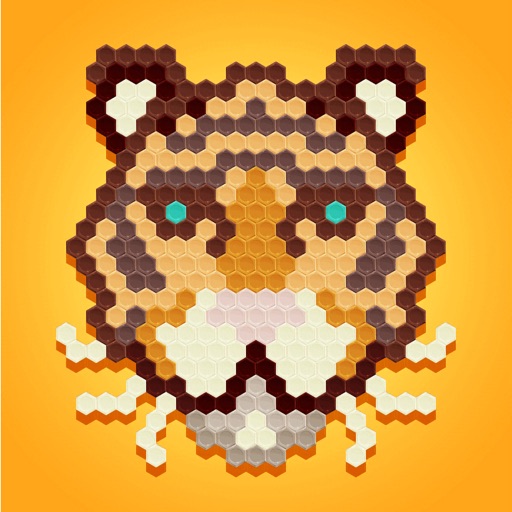
Hexagon boxes to create drawings using suggested colors. Select from various categories. Drag to neighboring boxes. Use a paint roller tool to fill areas. Features intuitive gestures and an elegant design.