Apps Like How to Draw - Step by Step for iPhone and iPad
Learn to draw step by step.
The app guides children through drawing with a step-by-step process. Kids can learn to draw various subjects, then color and decorate their creations in a personal gallery.
by Brave Tomatoes Ltd.★ 1.73 ratingsGamesFreeData updated 2026-11-05
To with structured tutorials and daily practice exercises. Follow step-by-step guides to create illustrations. Access a variety of drawing tools and customize your workspace. Save and review progress to track skill development over time.
Allow users to fill in pictures with various colors. Drawing let users create their own artwork. A scribble pad provides a space for freehand drawing. Sticker lets users add stickers to images.
Play by touching and dragging to erase parts of a drawing or complete missing sections. Reveal hidden images by removing layers. Create and customize drawings with intuitive touch controls.
Learn to draw with -by- tutorials and AI guidance. Use your phone's camera as a projector to trace and practice. Access drawing lessons for all skill levels, from beginner to advanced.
Characters, objects, and animals through step-by-step tutorials. Choose from various art styles including doodles and detailed illustrations. Compete in multiplayer battles. Save and share creations. Adjust brush settings and color palettes.
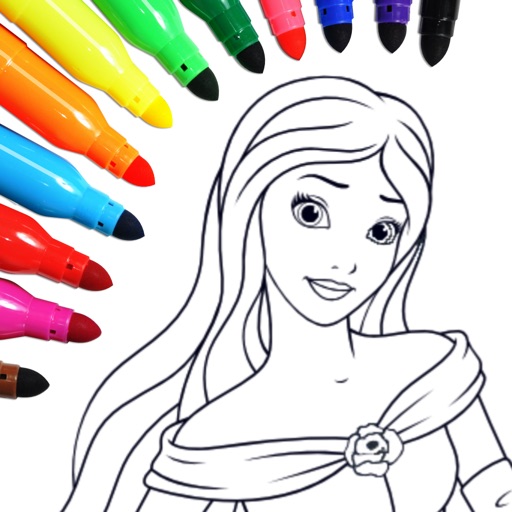
The app provides a virtual coloring and painting book for children. It includes over 50 car-themed coloring pages and a free drawing mode where kids can create their own pictures.
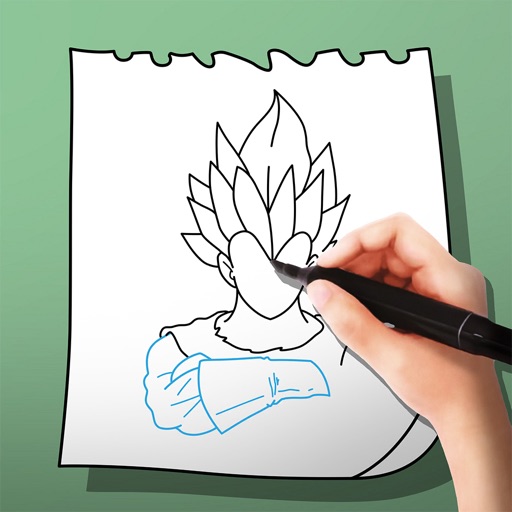
The app provides step-by-step drawing lessons for various subjects like animals, cartoons, and anime. It also includes coloring pages with an online catalog for users to paint images.
Can draw, paint, and color within interactive games. Follow step-by-step instructions to create drawings of animals, vehicles, and more. Practice fine motor skills by tracing dotted lines and completing coloring activities.
To draw with step-by-step visual guides that break down illustrations into simple steps. Choose from drawings of animals, characters, and vehicles. Draw on real paper while the device shows instructions.
PLAY AND LEARN EDUCATIONAL GAMES FOR KIDS PLEI END LERN EDYUKESHINAL GEIMS FO KIDS, TOO
Draw, color, and create cartoons
Create drawings using various colors and tools. Select from pencils and brushes to color favorite characters. Add interactive elements to animate drawings and tell stories. Explore themed scenes like rocket launches and space adventures.
The app offers a doodle drawing and coloring game for children. It includes over a dozen doodling brushes and sparkles, along with numerous coloring book pages for selection.
Learn to characters with structured tutorials and -by- guidance. Access hundreds of drawing images for practice. Identify and improve weak areas through visual examples. Follow lessons from basics to advanced techniques.
PLAY AND LEARN EDUCATIONAL GAMES FOR KIDS PLEI END LERN EDYUKESHINAL GEIMS FO KIDS, TOO
Draw, paint, and create with fun animals
Draw with brushes, markers, or crayons on various pages. Trace shadows to identify animals. Tap blocks to create pixel art. Collect stickers. Paint with vibrant colors and patterns. Choose from multiple pages.
The app allows users to draw geometric shapes, color drawings, and retouch photos. Users can share their creations with friends using different drawing tools and colors.
Create 3D art using step-by-step tutorials. Access a large collection of drawings and techniques. Learn without prior skills through self-guided lessons. Practice drawing various styles. Export and share finished artwork.