Teaches and through interactive using real-life objects. Includes puzzles and sorting activities. Encourages motor skills and hand-eye coordination. Allows parents to track progress and set learning goals.
Guide colorful characters to matching spots to clear obstacles. Solve puzzles by matching colors and planning moves. Track progress through increasing difficulty levels. Share achievements with friends.
Play by tapping to control movement, dodge incorrect colors, and match arrow colors to progress. Avoid obstacles and survive as long as possible. Track progress and improve reflexes with increasing difficulty.
Complete - patterns by matching colors in squares. Choose from themes like food, animals, and landscapes. Import personal images as patterns. Use three pattern sizes. Access intuitive UI with no cost for patterns.
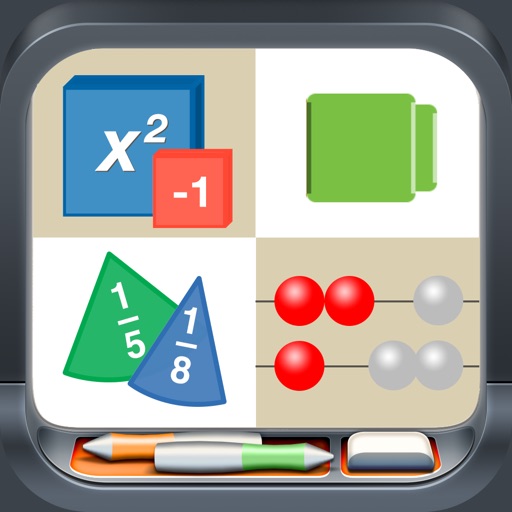
Use like Algebra Tiles, Base Ten Blocks, and Fraction Circles to teach math concepts. Explore tools such as Geoboard, Number Line, and XY Coordinate Board for interactive learning. View and manipulate shapes with Pattern Blocks and Color Tiles.
Paint tiles by dragging to create matches of three or more. Connect colored squares to clear the board. Some levels require precise timing and planning, while others include larger tiles that change gameplay dynamics.
And arrange colorful hexagon blocks in a 3D environment. Match blocks of the same color to clear the board. Plan moves to achieve combinations. Track progress through levels. Adjust difficulty settings. Share achievements on social media.
Lets users drag wooden blocks to match color zones and clear the board. Blocks vanish upon correct placement. Gameplay becomes increasingly complex as the board fills. Users strategize to clear levels efficiently.
Guide caterpillars to their matching cocoons by dragging and dropping them. Clear the board by matching colors. Solve hundreds of puzzles with intuitive controls and colorful visuals. Track progress through increasing difficulty levels.
Allows children to draw using color selection, shape tools, and an eraser. It plays with each stroke and includes a random color option. Users can change line thickness and save drawings.
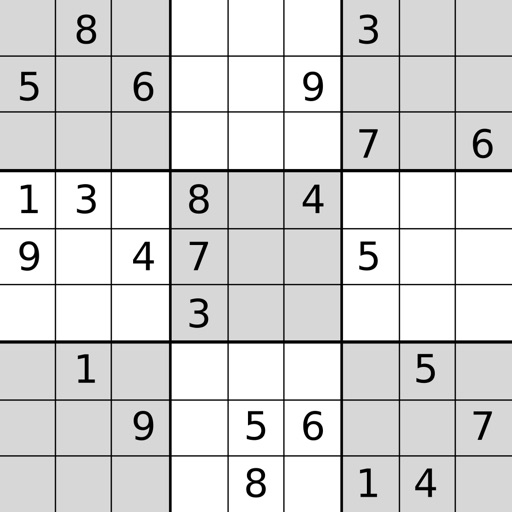
Play with four difficulty levels and tutorial guidance. Solve puzzles using notes, undo/redo, and auto-note features. Color squares with two colors for advanced strategies. Check for errors manually or automatically.
Play a logic game where you drag onto the board to complete rows and columns for points. Adjacent must share the same color or value. Score points by matching and outlast , the Demon of Luck.
Play to match and blast same-colored blocks with cute tanks. Shoot blocks to clear levels and earn rewards. Challenge friends and compete in leaderboards. Play offline with satisfying explosions and colorful visuals.
Play a game that combines puzzles and . Drag blocks onto the board to clear rows, columns, and 3x3 squares. Solve puzzles by matching numbers and shapes. Track progress and compete with others.
Play three game modes: mode involves dragging blocks to fill rows or columns for elimination. Cancellation mode lets players remove adjacent squares of the same color.