The app allows users to input new text and control display settings for the Digital Message Board. Users can check data storage, toggle display on/off, adjust scrolling speed, and set blinking and timer functions.
by LIGHT BOY CO., LTD.★ 0.00 ratingsUtilitiesFreeData updated 2026-11-05
Control computer functions with touch gestures, keyboard input, and movements. Transfer text and images between devices using the cross-device clipboard. Access specialized control panels for enhanced device management.
The app transforms a device into a scrolling LED text display for dynamic messages. It offers marquee-style and static text options, suitable for various communication needs in noisy or quiet settings.
Track with real-time GPS data. Switch between digital and HUD display modes. Set limits and receive alerts. Log trips and view history. Share data via social media.
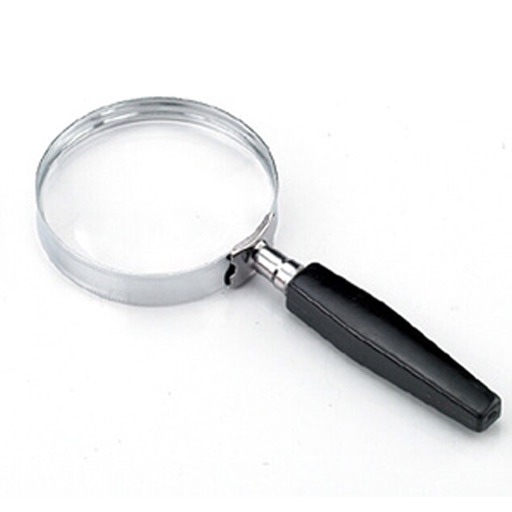
The app functions as a magnifying glass using the device's camera to display a magnified image. Users can adjust the zoom factor up to x4 and utilize the camera flash as a flashlight for improved visibility.
Control TV or device functions with on-screen buttons for power, volume, and channel navigation. Adjust input sources and mute audio. Pair via WiFi without manual setup. View device status and access advanced settings.
Customize appearance with themes, button shapes, and colors. Choose from six layouts and control all visual elements. View input and result simultaneously on dual-line display. Adjust settings for precise calculations.
Navigation displays real-time on two customizable maps. Users can track their position while driving, adjust zoom settings per map, set map sizes, and toggle between vehicle-following and north-up views.
Control and monitor appliances through a centralized . Adjust settings based on schedules and routines. Link devices to manage functions remotely. View appliance status and receive notifications.
Control TV functions remotely via Wi-Fi network. Turn TV on/off, change channels, adjust volume, and manage playback. Includes touchpad and voice input for navigation. Replace lost without leaving home.
Provide accurate GPS coordinates and altitude readings. Display direction and map integration. Enable location-based reminders and track movement routes. Adjust settings for different navigation modes.
Remote control allows managing home appliances from anywhere. Simultaneous control enables operating multiple devices within the . Timer features let set intervals for various tasks.
Displays current time with high precision using an internet time protocol to sync with an time server. Users can set time zones, adjust display settings, and view time in 12-hour or 24-hour format.
Manage firmware updates and explore hidden features
Control Bluetooth headphones with volume, playback, and call functions. Access firmware updates to enhance features. View device settings and battery status through an interactive interface.
Control devices with touchpad, keyboard, and buttons
Control smart projector or soundbar using touchpad, virtual keyboard, and function buttons. Adjust settings, navigate menus, and manage device functions directly from the .
Customize home screen with by adding interactive elements like Control, Transparent, Text, Photo, Date & Time, , Weather, Zen, Greetings, Music, and iBoard . Display system info, weather, and calendar data in one place.
Monitor pool and spa status remotely or locally. Control heaters, lights, pumps, and waterfalls. Set schedules for automation. Check water chemistry levels and adjust settings as needed. Receive alerts for system status and maintenance reminders.
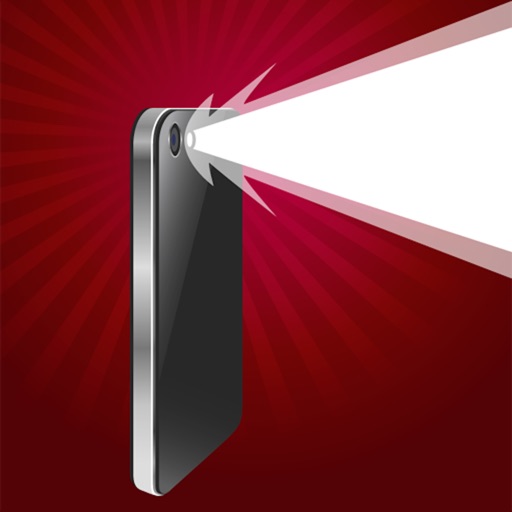
Provides and strobe light functionality using the LED flash. Users can turn the flash on, adjust brightness, and set strobe speed. The offers fast loading and can be used to illuminate dark areas or signal in emergencies.
Control TV with power, volume, channel, and arrow keys. Access home, return, mute, and option functions. Use on-screen keyboard for input. Connect via local Wi-Fi network.
Control home devices via or voice commands. Adjust LED bulb colors, toggle outlets, and view camera feeds. Organize devices by room, set automated scenes, and schedule device actions. Connects directly to home Wi-Fi without a hub.