Control Yamaha via iOS device with real-time feedback. Adjust settings, access lesson content, and use metronome. Connect using Lightning to USB adapter or Yamaha cable. Record performances and playback samples.
Create and mix music using modular devices like samplers, mixers, and effects. Add sequencers and effects plugins. Customize setups with expandable gear. Import and export audio files. Connect to external hardware and software.
Create and manipulate audio samples with granular synthesis and cloud-based sampling. Use MPE for expressive control. Access samples across iOS and desktop devices. Adjust parameters for precise sound shaping. Export and share audio files directly.
Create music using finger movements to trigger musical rules and interactions. Adjust sound parameters in real time. Save and export compositions. Sync with MIDI devices. Customize gesture-based controls for unique playing styles.
Generate original MIDI loops with a single tap. Create catchy and inspiring short melodies. Export and share generated music. Access tutorials and demos for guidance.
The app provides a novel arrangement of notes for playing music. Sliding a finger produces chords, with higher importance notes and chords surrounding them.
Explore with chord and scale references. Identify and analyze chords. Create and edit MIDI files. Use AUv3 plugins for sound synthesis and composition. View detailed scale information and interval relationships.
Learn music by ear with stem splitting, sheet music generation, and playback controls. Adjust individual stems for bass, vocals, drums, and other instruments. Generate sheet music for audio or video.
Create and compose music using a professional tool with MIDI control. Generate harmonic sound textures and cinematic tracks. Control VSTs, synthesizers, and sound modules. Visualize musical relationships and interact with geometric pitch space.
Udio tones with adjustable frequency, amplitude, and waveform selection. Choose from sine, square, sawtooth, and triangle waveforms. Test audio equipment, tune instruments, or use for sound therapy. Control settings through an intuitive interface.
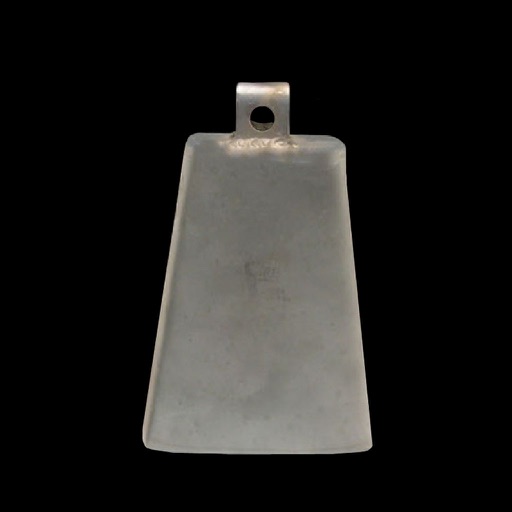
Play cowbell and instruments with selected songs and track usage.
The app offers a variety of instruments and allows users to play selected songs. It includes features like a cowbellometer and shake-to-play functionality.
Plugin for iOS devices. Adjusts parameters with three knobs. Works as an Audio Unit (AUv3) plugin in hosts like GarageBand and Cubasis 3. Includes open-source code for integration into other apps. No ads or in- purchases.
Play musical instruments by tapping, touching, swiping, plucking, and shaking. Includes triangle, strings, theremin, disc, drums, and rattle. Adjust sound settings and share creations.
Learn musical notes, fingerings, and rhythms through interactive gameplay. Compete against up to three players on a single instrument. Earn ninja belts by improving speed and accuracy. Purchase additional instruments.