The app allows users to split large PDF files into individual files or extract specific pages. It offers flexible splitting methods and preserves the original formatting and structure of the document.
by 科 姚★ 0.00 ratingsProductivityFreeData updated 2026-11-04
Extract archives instantly and share folders easily
Archive files including rar, zip, 7z, tar, gzip, bzip2, xz, iso, pkg, swf, exe, jar, xip, dms, and more. Extract contents to specified folders. Share folders via left scrolling. Contact support via email for assistance.
By combining multiple files into one. to extract pages or divide large documents. Secure files with passwords and encryption. Customize appearance with headers, footers, and page numbers. Edit text and images directly. Save and share edited securely.
Convert photos and images into PDFs with one-tap processing, automatically adjusting page orientation and image quality. Merge multiple images into a single PDF and customize layout.
Read text files including txt, epub, pdf, and html on your . Turn pages by tapping or using the knob. Set font and color preferences. Record reading position and preview content before sending from your iPhone.
Edit PDFs with compression, flattening, and conversion tools. Add text, comments, and e-signatures. Sync files across cloud services like iCloud, OneDrive, Google Drive, and Dropbox. View, annotate, and share PDFs directly from the device.
Documents, receipts, and photos to convert into PDF or JPEG. Add signatures and share files directly. Organize scanned images and manage documents securely. Supports OCR for text recognition and includes editing tools.
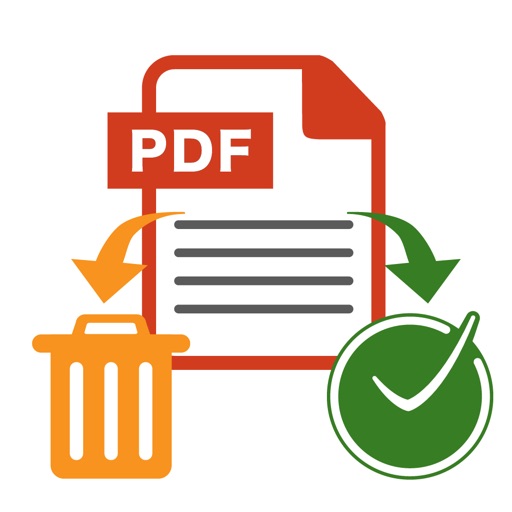
And PDF files by selecting pages or ranges. Extract individual pages for easy sharing. Combine multiple documents into one. Save and share edited PDFs directly from the .
And store ID cards, passports, and other identification documents. Edit, annotate, and organize scanned files. Share documents securely via email or cloud services. Manage digital files with folders and search functionality.
Read and annotate PDF documents with highlighting, commenting, and note-taking features. Collaborate in real time with others through integrated chat. Export and share files directly. Sync with cloud services for seamless access across devices.
Create and edit PDF documents with tools for text formatting, image insertion, and page rearrangement. Convert files between PDF and common formats like Word, Excel, PowerPoint, HTML, and JPG.
Scan documents to create PDFs, edit text, and convert scans to editable formats. Extract text from images. Read and generate QR codes. Organize and share scanned files directly.
The app scans documents, extracts text using OCR, and allows editing and form filling. It supports sharing files via email, cloud storage, and faxing to over 100 countries.
Create and edit PDF documents from various file types. Access Dropbox, Box, and Google Drive for file storage. Convert files to PDF, annotate pages, and share documents directly.
Convert images to PDF, PDF to images, and extract text from images or scans to create searchable PDFs. Edit and share documents offline. No subscriptions, one-time purchase for unlimited use.
Create and view PDFs from images, drawings, maps, and web pages. Edit rich text, browse the web, and scan documents. Save and share files via WiFi. Manage files with a simple interface and export in multiple formats.
Convert PDFs to Word documents and export pages as JPG or PNG. Scan documents, receipts, and IDs with auto-crop and perspective correction. Edit files by adding text, highlights, and signatures.
Convert images to PDF files by capturing or importing from the camera roll. Automatically detect and crop rectangular areas with perspective correction. Adjust image rotation and appearance. Share or save the resulting PDF.