The app transforms an iPhone into a slit-scan camera. It records continuous slices of time, merging them into one flowing image that reveals motion and distortion.
by NIKITA SHANIN★ 4.176 ratingsPhoto & VideoFreeData updated 2026-11-04
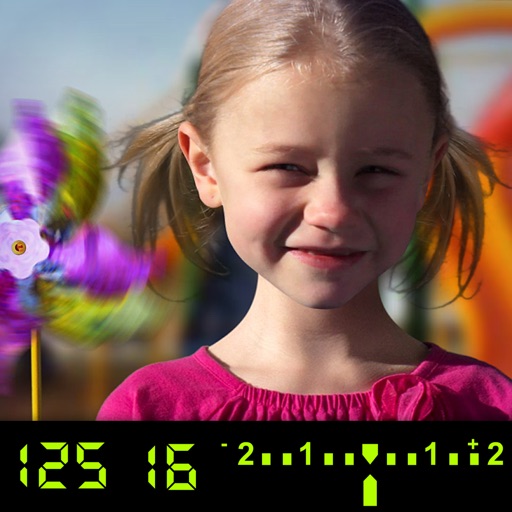
The app visually explains DSLR camera controls and allows users to experience the effects of various settings. It provides instant feedback and advice on user settings, making it a tool for learning photography.
Edit photos by selecting from the gallery or capturing with the camera. Apply various and effects. Adjust position, size, and angle. Save, share, or upload images to social media platforms like Facebook, Twitter, and email.
Edit photos by selecting from the gallery or using the camera. Apply multiple and effects. Adjust image position, size, and angle. Save, share, or upload to social media platforms like Facebook, Twitter, and email.
Monitor live video feeds from cameras connected via USB or HDMI capture cards. Adjust settings like focus, exposure, and white balance. Switch between input sources and view multiple camera angles. Record and save footage directly from the .
Correct lens distortion by drawing 4 guides or adjusting bulge/pinch settings. Tilt and stretch images in horizontal and vertical directions. Free transform by dragging 4 corners to adjust distortion. Export edited photos in various formats.
The app removes camera shake from videos, making them smoother and more pleasant to watch. It compensates for horizontal, vertical, and rotational motion, and allows users to optimize stabilization with profiles and adjustable strength.