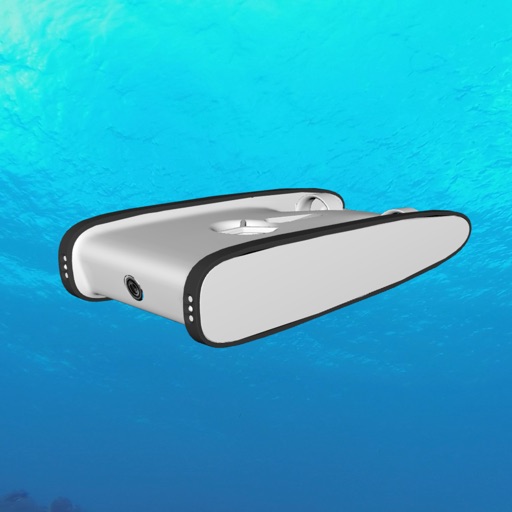
The app pulls jpeg images from a REST endpoint and sends commands via its user interface. It integrates with mFi certified game controllers for robot control within a VR headset.
by John Keogh★ 0.00 ratingsUtilitiesFreeData updated 2026-11-04
TV functions using iPhone, iPad, or Apple Watch. Adjust volume, change channels, and navigate menus. Pair with TVs from 2015 onward. Supports N Series 2024 models. Includes ergonomic design for Apple Watch use.
The app allows real-time parameter adjustments for DJI A2 Flight Controller Systems and DJI Ronin and Ronin-M. It supports Bluetooth 4.0 and displays real-time flight data.
Control lighting and electrical devices remotely via Wi-Fi. Adjust brightness, schedule on/off times, and create automation routines. Integrate with Amazon Alexa for voice commands. Monitor and manage devices from an iOS device.
Find compatible iOS games for MFi controllers. View news, read guides, and test functionality. Check support for DualShock 4, DualSense, Xbox Wireless, and other controllers.
Control courtyard robots via mobile device. Connect and manage pool cleaning equipment. Monitor device status and settings. Adjust cleaning schedules and zones. Receive alerts and diagnostics. Remote control operation and maintenance.
The app accesses local files, computers, NAS, and cloud storages. It allows file transfers and streaming of media directly from network shares and cloud storage to the user's device.
Capture and redirect HTTP/HTTPS/TCP traffic to a proxy server. Record and display HTTP, HTTPS, and DNS requests. Configure rules based on domain, IP range, or GeoIP. Track network usage and speed across different connections.
Stream games from Xbox to iPhone or iPad. Control game volume and chat audio. View game stats and player profiles. Navigate menus and access game settings remotely.
Use GalaxyVPN to hide your IP address and encrypt internet traffic. Access restricted content and secure public Wi-Fi connections. Route traffic through servers to maintain anonymity and protect data.