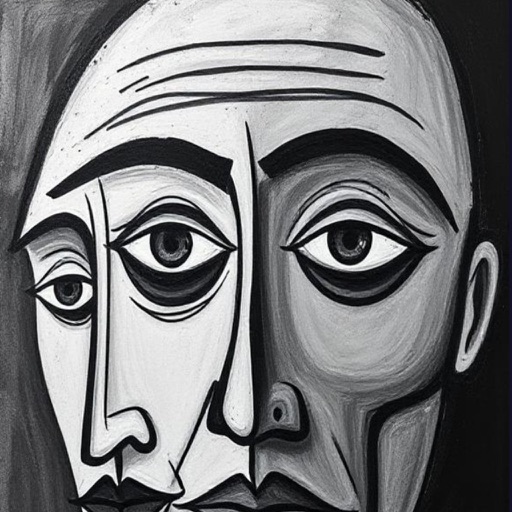
Create sketches and drawings using built-in brushes and canvases. Trace real-world images with AR technology. Save and share artwork directly. Adjust brush size and opacity for detailed work. Import images to base drawings on.
Calculator lets users perform basic and scientific calculations with over 30 functions. Switch between portrait and landscape modes. Customize leather color and background texture on iPad. Take notes or draw directly on the interface.
Create art with a wax simulator that mimics real-life drawing. Adjust stroke size based on finger contact area for precise control. Draw thin lines with fingertips or broad strokes with full finger pressure.
Turn iPad into a wireless whiteboard by projecting live sketches to a local computer. Draw on iPad and view sketches in real-time on an HTML5-compatible browser. No dongles, cloud services, or plugins required.
Sketching and apps offer tools for creating and editing artwork. Users can draw on a virtual canvas, access various brushes and colors, and save or share their creations.
Control RGB lighting, sync devices, customize colors
Customize RGB lighting with 16.8 million color options and dynamic lighting effects. Connect to -enabled devices for real-time control. Adjust lighting settings to match device notifications and system preferences.
Create detailed technical illustrations and artistic designs with vector editing tools. Draw, reshape, and color elements with precision. Import and export files in multiple formats. Use layers, masks, and effects for advanced design work.