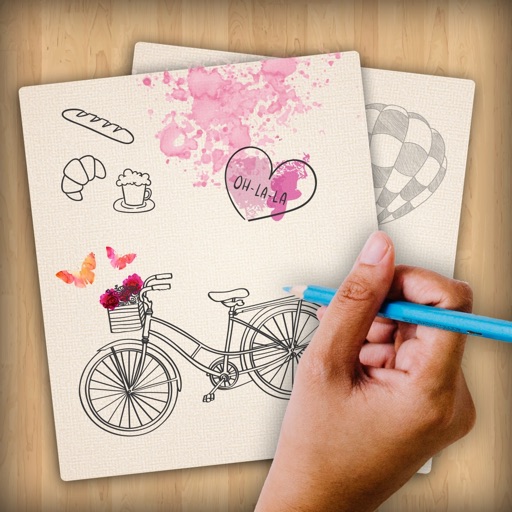
The app provides users with the ability to draw on their device. Users can select from over 16 million colors with RGB selection and adjust brush thickness and color transparency.
by Francesco Abbondo★ 1.67 ratingsProductivityFreeData updated 2026-11-04
Take quick notes by drawing or writing with your finger. Sketch, doodle, and create diagrams directly on the screen. Save and organize notes in multiple pages. Export notes as images or PDFs. Share notes via email or social media.
The app allows users to draw sound spectra and play them simultaneously. It offers WAV export, eight timbres, and adjustable octaves from two to eight.
Take freehand notes on endless lined or squared pages. Add text with customizable font, color, size, and angle. Capture presentation transparencies and annotate them. Record audio during note-taking. Sync notes across devices.
Calendar allows users to add customizable calendar widgets to their home screen. Users can choose from various themes and styles, adjust background, text color, and fonts.
A productivity for organizing and items with unlimited folders. Automatically calculates totals and supports CSV export. Set goals with deadlines and track progress. Perform batch operations, filter, and sort data.
View and navigate 3D models with zoom, rotate, pan, walkthrough, and flyover commands. Color code elements by properties like slab thickness or pipe diameter. Filter models based on member characteristics.
Customize keys with unlimited color options and gradients. Design individual keys or save custom . Use RGB, HEX, and HSL color pickers for precise adjustments. Preview changes in real time.
Create diagrams and flowcharts using shapes like rectangles, circles, and arrows. Draw freehand or use geometric figures. Collaborate in real-time on an infinite canvas. Export diagrams in multiple formats.
The app allows users to paint on photos using 210 brushes and pens. Users can create colorful pictures, express feelings, and share their creations via email.
Access details, presentations, and exhibitor information. Take notes on presentation slides and draw directly on them. Connect with other attendees and view event schedules.
The app provides tools for creating sketches, doodles, drawings, and notes. Users can record video of their painting process or narrate a completed book.
Organize into High, Medium, or Low priority categories with color-coded labels. Customize themes, colors, and fonts for personalization. Set due dates and reminders for task completion.