Allows users to draw free-form sketches and convert them into interactive web pages or game prototypes. It recognizes design elements and generates interfaces. Users can preview their creations instantly and export them for further development.
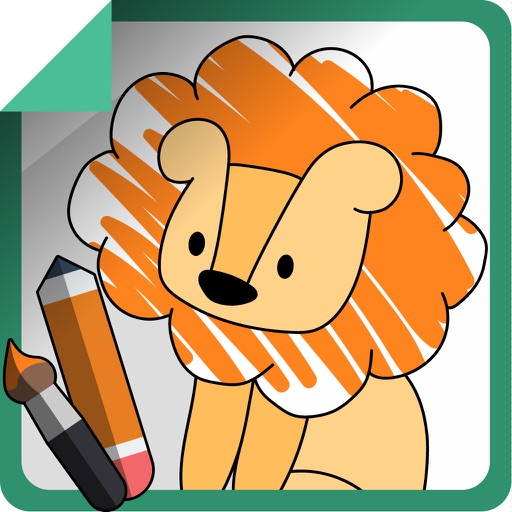
The app uses AI Magic to transform children's doodles into various art styles like watercolor, anime, or Chinese ink. It offers step-by-step drawing guides and a coloring book for children ages 2–6.
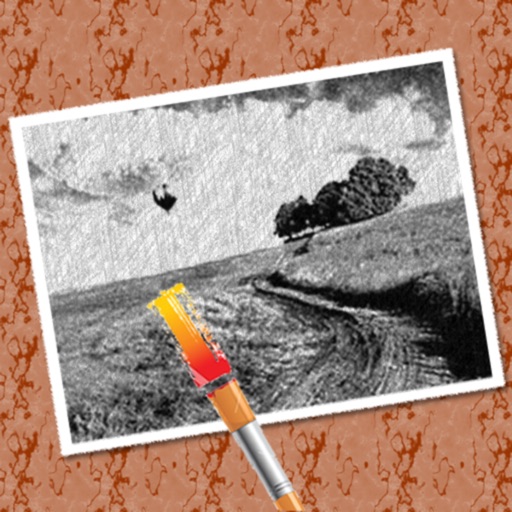
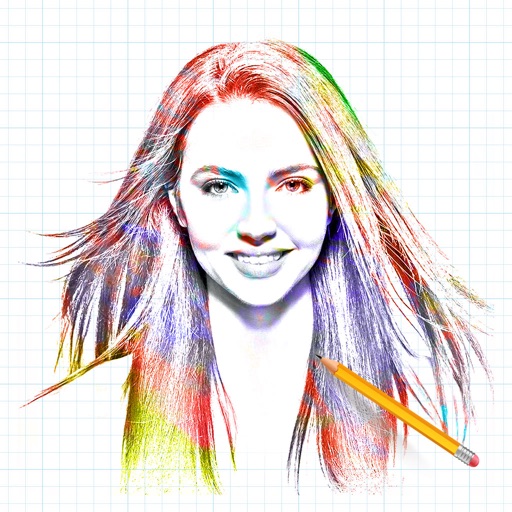
The app converts photos into pencil sketches for coloring. Users can import pictures from photo albums, the camera, or Flickr, and color them using touch controls.
Take notes with customizable colors and line thickness. Undo and redo actions available. Share notes via Facebook, Twitter, LINE, or email. Disable line tracing for cleaner visuals. Save notes for later access.
Answer fun questions to generate a of your . View a realistic photo of your match. Discover a potential meeting location. Share the and photo with others.
The app allows users to create flipbook-style animations using touch drawing tools. Users can adjust brush width and color, manage animation frames, and save their creations.
The app provides a drawing and handwriting experience for users. It allows for instant sketching or note-taking with a clean interface and a simple toolbar.
And manage setups with color mixing, fixture management, and DMX rig support. Design projects, share them, and adjust light intensity and hues precisely. Sync with LED fixtures, dimmers, and tape for professional .
Estimate construction material quantities for building and paving projects. Input job parameters like length, width, and thickness. Select material properties such as density from predefined options.