Capture and store signatures with customizable pen color and thickness. Add photos from the gallery and save them in the photos library. Share signatures via email or social media. Include location data with each entry.
by IFAHJA LIMITED★ 0.00 ratingsBusinessFreeData updated 2026-11-01
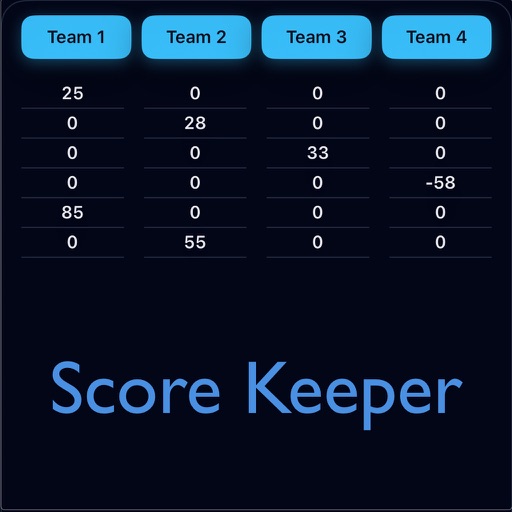
Track dominoes game scores without paper. Record turns, manage tiles, and calculate points. View current and game progress. Save and review game history. Share scores with other players.
Documents, receipts, and business cards using iPhone or iPad. Add e-signatures and stamps. Convert scans to PDF or JPEG. Share files directly. Edit scanned pages and adjust clarity. Sync with cloud services for storage.
Add watermarks to photos and videos using logos, names, stickers, QR codes, or custom text. Apply watermarks to images and videos directly. Share marked content to social platforms. Add drawings, text, and GIF animations to media.
Documents, photos, and files directly from an iPhone or iPad. Select from multiple printers. Scan documents with automatic border detection. Adjust settings including color, black and white, and advanced options.
Digitally by uploading files from device storage or photo gallery. Add electronic signatures and customize fields. Share signed via email or messaging. Track signing status and manage multiple in one place.
Add text, signature, image, or logo watermarks to photos and videos. Choose from multiple fonts and colors for text. Import trademarks from photos. Apply full-screen watermarks easily.
Convert paper to PDF and image files. Scan notes, sketches, and photos with high clarity. Save and share scanned files directly. Organize and view in a digital format.
Create and refine sketches and designs with layering and scaling features. Add symbols, text, and dimensions. Import images or plans to set scale. Zoom without quality loss. Rotate elements or the entire drawing.
The app enables users to sign documents and emails using a trackpad or tablet. Signatures can be saved, posted to the clipboard, or used directly on various platforms and documents.
And sign documents or PDFs. Upload files from device storage or photo gallery. Edit scanned documents with background removal. Create electronic signatures manually or via custom input. Save and share signed documents.
Edit photos by adding customizable borders and frames. Choose from a variety of free frames for social media profiles. Save and share edited images on platforms like Instagram, Facebook, Twitter, WhatsApp, and YouTube.
View live photos and drawings from directly on the Home Screen. Receive updates without notifications. Share and respond to content instantly. Display real-time media from contacts. Encourage interaction through visual updates.
Access assignments from the web on mobile. Take photos and record notes via voice-to-text or typing. Organize media in a timeline for easy reference. Include geolocation and direction data in photos.
Create digital notes with handwriting and text. Organize ideas using drag-and-drop sorting. Add drawings, images, and attachments. Share notes via email or cloud services. Customize fonts, colors, and page layouts.
Capture photos with a native camera featuring real-time filters, front/rear camera switching, flash control, and grid overlay. Share directly to social feeds. Edit images with built-in tools and apply creative filters.
Documents using camera for invoices, receipts, IDs, and certificates. Edit scans with cropping, brightness, and contrast tools. Export as PDF or image. Share via email, cloud, or messaging.