Calculate tips quickly with customizable percentages and rounding modes. Split tips among multiple people. Adjust color themes and enable dark mode. Enter all details from a single screen. Use one-handed controls for easy navigation.
Capture photos and videos with control over focus, exposure, ISO, shutter speed, white balance, and flash. Enable RAW capture, real-time histogram, focus peaking, and lock exposure and white balance.
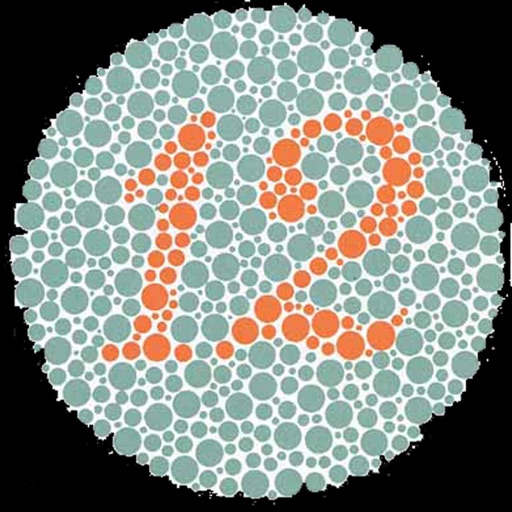
The app transforms images and webpages to help people with color vision deficiency distinguish colors. It offers red-green and blue-yellow transforms, saturation increase, filtering, and hatching.
Skin analysis provides personalized care tips and recommendations. Color matching helps find flattering shades. Face shape guidance creates a tailored beauty plan. In- purchases unlock full features. Invite three friends for one free generation.
Modify car wheel hubs by selecting from various designs and previewing the effect instantly. Change vehicle body colors to different shades for a customized look.
Select colors using RGB or HSB schemes. Access single, secondary, and tertiary palettes. Toggle between light and dark mode for different viewing preferences.
Capture and recognize names in real-time by pointing the at an object. Display RGB, HSV, and CIE Lab values. Adjust individual components and view changes instantly.
Analyze eye by taking a photo in natural light. Identify percentages and shades. Share results or compare with others. Find products matching specific eye colors and shades.
Customizable clock allows users to add background images, select from over 20 clock faces, and choose between 24-hour and 12-hour analog or inverse clocks. Users can set time announcements in six languages and adjust settings via swipe gestures.
Learn C/C++ with code templates, auto-completion, and auto-indentation. Compile and execute code offline. Fetch Git repositories and store files using iCloud. Share code via LAN using HTTP/FTP. Run examples directly within the .