The app provides 3636 chord resolutions and 10 instruments with 1920 sound files. It guides users through modern harmony techniques, allowing them to explore, listen, transpose, and save compositions.
by Jeannot Welter★ 5.05 ratingsMusic$9.99Data updated 2026-11-03
Practice ear training with interval identification, chord recognition, scale identification, and chord progression analysis. Listen to audio examples and select the correct musical elements. Receive instant feedback on answers.
Analyze MIDI and audio to identify key and scale. Suggest chords, melodies, and basslines. Connect to keyboards, synths, or MIDI devices via Bluetooth. Edit and arrange musical content. Export tracks in various formats.
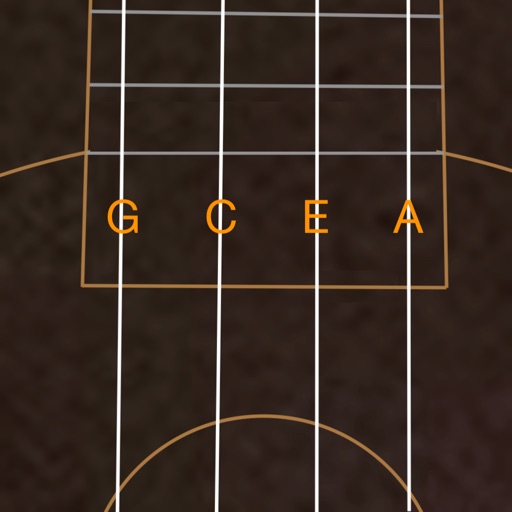
Tune string instruments by playing chords and adjusting strings based on visual feedback. Use a chromatic to match desired notes with color indicators. Select instruments like guitar, banjo, or violin for accurate tuning.
Create beats and melodies using drum kits, synths, and melodic instruments. Sample audio via phone microphone. Edit MIDI sequences and export tracks to Live. Explore sound libraries and experiment with effects. Save and share musical ideas directly.
Practice chords with interactive diagrams and multiple finger placements. Learn chord progressions and build songs. Tune with built-in tuner. Record and playback practice sessions. Sync progress with cloud storage.
Notes and basic theory through interactive quizzes. Practice reading notes on treble, bass, and alto clefs. Study tonality, chord names, and switch between English and German note names. Train sight-reading and ear training for piano and singing.
Generate chords from a single MIDI note using scale and tonality options. Automate progressions with customizable patterns. Export MIDI files and integrate with DAWs for music production. Adjust voicings and inversion settings.
The app provides a tool for users to write and learn music. It offers a fretboard slider for chord positions and inversions, a strumming interface, and the ability to see chord structures.
Practice with exercises on key signatures, intervals, and chords. Identify notes in treble and mezzo-soprano clefs. Train sight reading with varying difficulty levels. Learn about triads, sevenths, and extended chords.
Analyze audio songs in the iOS music library to display symbols. View chords in graphical piano keyboard or guitar tab formats. Practice and play songs using displayed chords.
Read and manage from PDF, image, text, and MIDI files. Import scores via camera, photos, or files. Organize by title, artist, and setlist. View scores in horizontal, vertical, or two-page modes. Annotate with pen, text, shapes, and stamps.