The app allows users to create finger paintings with adjustable opacity and brush sizes. Users can mix custom colors, utilize a palette of 10 colors, and an eraser.
by Mariah Cox★ 5.07 ratingsEntertainmentFreeData updated 2026-11-03
By with allows users to and recolor images using a grid system. Choose from various themes like animals, flowers, and people. Save and share completed artwork. Adjust colors and patterns freely.
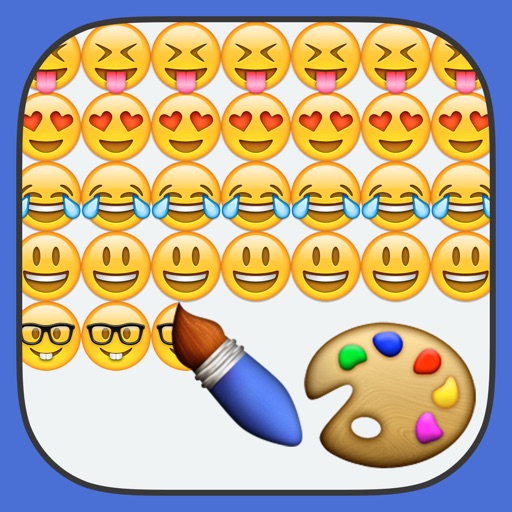
The app allows users to finger paint with emojis and share their original artwork on social media. Users can also discover and collect paintings from the community within the app.
Create and color images using a variety of tools and templates. Choose from different color palettes and brushes. Save and share completed artwork. Include interactive to teach colors and shapes.
Create paintings using emojis. Select from over 1600 emojis. Adjust size and other settings. Zoom in and out for precision. Works on iPhone, iPod Touch, and iPad.
Create 3D ceramic pottery by swiping to shape and texture surfaces. Apply colors and glazes with touch controls. Save and share finished designs. Adjust lighting and materials for realistic rendering.
Create photos with effects and light leaks. Apply 36 shapes and 33 light leak effects. Use 23 image filters. Adjust size, opacity, and color. Draw multiple shapes with touch. Apply multiple shapes to one photo.
Draw on a using colored chalks with optional texture. Create unlimited blackboards with adjustable brush sizes and four background styles. Share drawings to Instagram.
Color by allows users to color paintings by swiping instead of tapping. Unlock new paintings as levels progress. Access handcrafted free content without magnification. Track progress and enhance creativity through realistic features.
Create and customize coloring pages by merging and matching stickers. Solve puzzles through sorting and color matching. Explore color-by-number and paint-by-number styles with interactive elements. Save and share completed designs.
By puzzles let users fill in numbered sections to create images. Choose from nature, mandalas, animals, and other themes. Save and share completed artwork. Access a library of pre-designed puzzles.
The app provides a blank canvas for children to paint with random brush sizes and colors. Users can set the background color, use photos as backgrounds, and access unlimited undo functionality.
The app offers symmetrical drawing capabilities with a large color palette and various brush types. Users can save, edit, and share their creations with adjustable grid divisions and background styles.
Edit photos with finger-tracing and mosaic effects. Apply multiple layers of and mosaic styles. Crop processed images to custom sizes. Export edited photos in various formats.
The app offers various paint strokes including single, double, triple, symmetrical, and star. It allows users to select stroke sizes and combine them with multiple color options, gradient colors, and rainbow color changes.
Create pixel art of characters, skins, and Battle Pass items. Choose from daily updated artwork. Customize colors and patterns. Save and share finished paintings. Play with friends via in- features. Track progress and unlock new art.