Create by painting individual pixels. Adjust canvas size, select colors, and customize border settings. Erase, undo, and resize drawings. Save artwork to gallery and storage. Share completed pieces others.
Lets users paint mandalas, patterns, animals, florals, and themed images. Upload personal drawings for enhanced visuals. Use AR to view artwork in real-world settings. Create mandalas with simple swipes. Save and share completed artwork.
Prepare wooden boards by sanding them. Carve designs using a virtual tool. the carved surfaces with various colors. Save and share completed artwork. Adjust carving and painting details for precision.
Create and edit digital art with layers, brushes, and customizable tools. Import and export files in various formats. Access cloud storage for file syncing. Subscribe for additional features and materials. Save and export work after trial period.
Create looks with tools for painting, coloring, and designing. Choose from themed makeup options like pumpkin, witch, and unicorn. Add costumes, accessories, and sparkly effects. Customize characters freely in free mode.
The app offers a digital coloring experience with over 120 free animal pictures. It features a stay-in-line brush, nine brushes for painting and drawing, and 50 pattern brushes for a unique coloring book and drawing pad.
Edit photos with brushes and black-and-white effects
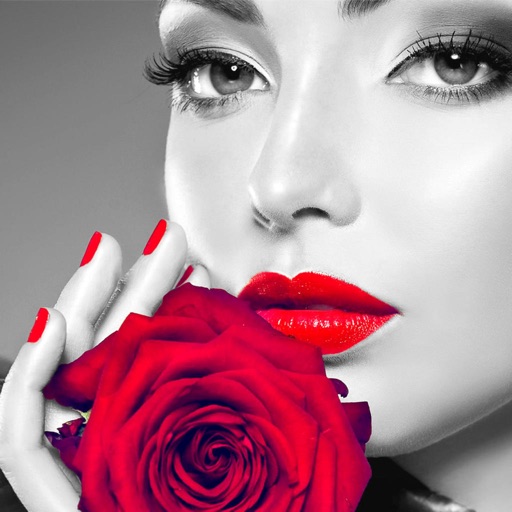
Edit photos by converting them to black and white and selectively retaining with a finger brush tool. Zoom in and out using two-finger pinching for precise adjustments. Share edited images via email or upload to Twitter, Flickr, or Dropbox.
Create art by drawing on pages with customizable brushes. Choose from 10 brush types including oil, chalk, and watercolor. Paint detailed images of princesses, animals, dinosaurs, cars, and planes. Save and share finished artwork.
Create and customize digital coloring pages with numbered guides. Select from floral, mandala, and animal designs. Paint using touch or stylus input. Generate time-lapse videos of completed artwork. Save and share finished projects.
Create drawings using bright colors and various brushes, glows, hearts, dots, and stars. Paint and record your sessions to review your artwork. Access pro features via optional subscriptions.
Create art with customizable brushes and access to 700 additional premium brushes. Design comic panels using 1000 screentones and 60 fonts. Apply filters and use fun background brushes. Save and share artwork directly.
Create paintings by following numbered instructions on printable images. Choose from themed pages like florals and animals. Share artwork with friends. Access new images daily. anywhere using a mobile device.
The app offers various paint strokes including single, symmetrical, and star. Users can select stroke sizes and utilize normal colors, continuous color change, gradient colors, and gradient rainbow color change.
The app converts selected photos to grayscale, sepia, or custom colors. Users can then add color by painting over desired areas with their finger, utilizing paint and eraser modes.