The app allows users to create finger paintings with adjustable opacity and brush sizes. Users can mix custom colors, utilize a palette of 10 colors, and an eraser.
by Mariah Cox★ 5.07 ratingsEntertainmentFreeData updated 2026-11-03
Create custom emojis by adding eyes, lips, hairstyles, hats, glasses, beards, mustaches, and props. Add text with various colors and fonts. Rotate, move, and zoom and text. Share emojis and memes directly within chats or social media.
Create art by painting animals, mythical creatures, and fantasy characters. Select from farm, undersea, and scary themes. Use educational tools to enhance creativity, motor skills, and memory.
The app allows users to create glowing artworks by spinning. It features colorful glow brushes, recording and playback functionality, and the ability to save creations to the camera roll.
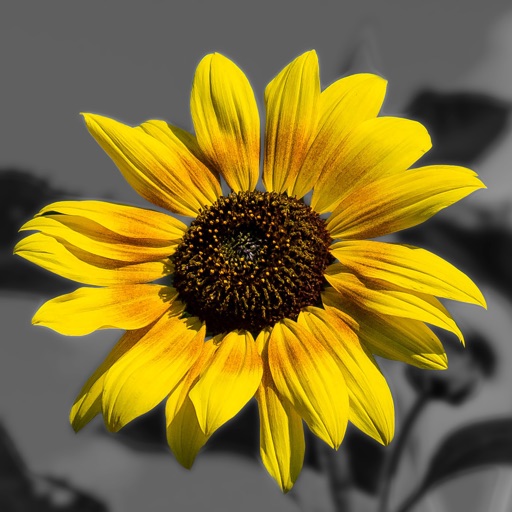
Edit photos by converting them to and and selectively adding with brush tools. Choose from various brush sizes and styles. Apply filters for creative effects. Undo changes with a single tap.
Allows users to paint and the Family using rainbow brushes and glitter pencils. Includes 200+ pages with themes like animals, cars, and dinosaurs. Features mandala drawing games and interactive activities.
Create and share mixed reality videos by painting the real 3D with visual effects. with brush, star, heart, or snowflake. Record videos with drawings in real-time. Share videos directly with friends. Add color and effects to surroundings.
Edit photos by selecting from Camera Roll or taking new shots. Apply real-time effects to create prism-like glass pieces. Adjust frames, shapes, and patterns. Rotate, resize, and drag elements for custom designs. Export and share edited images.
Write with customizable magnets, paper types, and fonts. Add colors and fridge styles for personalized . Save and organize ideas with unique visual elements. Share via email or social media.
The app allows users to create digital art using various brush styles and effects. Users can save their creations to a gallery or share them via email, Facebook, and Twitter.
On the screen by touching and moving fingers. Choose from multiple colors and adjust brush size. Set custom background colors or over photos. Save drawings to the photo library and email them to others.
Capture photos and videos with real-time sparkling lens flares. Choose from star, snow, flower, and tree shapes. Add or remove glitter objects manually in photos and videos. Adjust sparkles in the photo album.
The app allows users to paint with their fingers, choosing colors and sizes to create art. Users can draw shapes and names with random flower colors, then save the drawing to their photo gallery.
The app offers a funny and simple paint program with various stroke options and color changes. It allows users to utilize the whole screen, including personal photos, and save their creations.
Create custom hairstyles and accessories for characters. Choose from various types and colors. Cut, style, and decorate with tools and accessories. Save and share creations. Play with interactive features.