The app allows users to create finger paintings with adjustable opacity and brush sizes. Users can mix custom colors, utilize a palette of 10 colors, and an eraser.
by Mariah Cox★ 5.07 ratingsEntertainmentFreeData updated 2026-11-03
Create intricate symmetrical patterns by swiping fingers across the screen. Design limitless mandalas with customizable colors and shapes. Explore creative possibilities for logos or tattoos. Save and share finished designs.
Create artwork using , gem, flower, and other materials. Select images from various categories and follow numbered steps to complete drawings. Customize colors and save creations. Share finished pieces with others.
Solve logic puzzles by linking clue-pairs to form pixel-art images. Connect clues with paths of equal length. Reveal hidden pictures through deductive reasoning. Adjust grid sizes and difficulty levels. Share completed puzzles.
The app allows users to draw on a chalkboard with finger-controlled chalk. It includes four chalk colors, an eraser, adjustable line width, and options to clear the board or save artwork.
The app offers a paint application with various stroke options, including single and selectable sizes. It features normal colors, new colors, and continuous color changes for each stroke.
Create art and cross-stitch patterns with palette selection and gridline toggle. Use eraser, drag or tap to draw, and long press to fill. Trace images and export as files. Supports cross-platform creation.
The app allows users to create custom coloring pages by selecting characters and adding various features and stickers. Users can then color their creations using a wide selection of colors and tools, with options to save and share their artwork.
Test colors on walls using photos or palette selections. Apply color to home images for visual preview. Adjust color tones and brightness. Save and compare color options before purchasing .
The app allows users to resize videos with move, scale, and rotate options. Users can add filters, overlays with adjustable color and opacity, and background music.
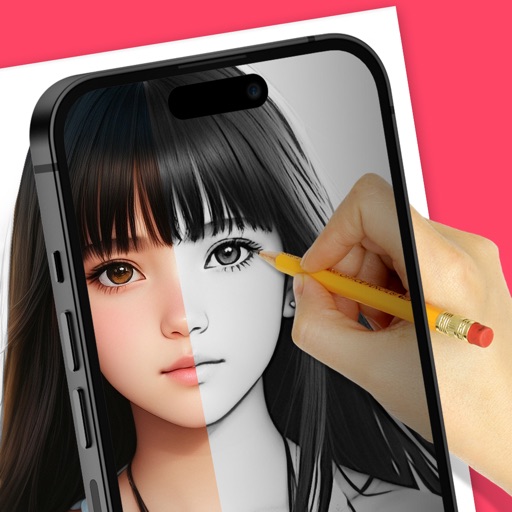
Trace images to create sketches or drawings. Adjust line thickness and brush styles. Use an eraser tool. Apply filters to images. Select from gallery or take new photos. Draw on paper with phone held 1 foot above.
Allows users to select from various categories like animals, vehicles, and foods. Users can choose colors for their drawings and erase parts of the image. Images can be sorted by category for easy access.
Create art by selecting colors and adjusting brush settings. Draw on a -like surface where flows and shifts. Manipulate to blend colors or form shapes. Use the dynamic behavior for creative expression and artistic experimentation.
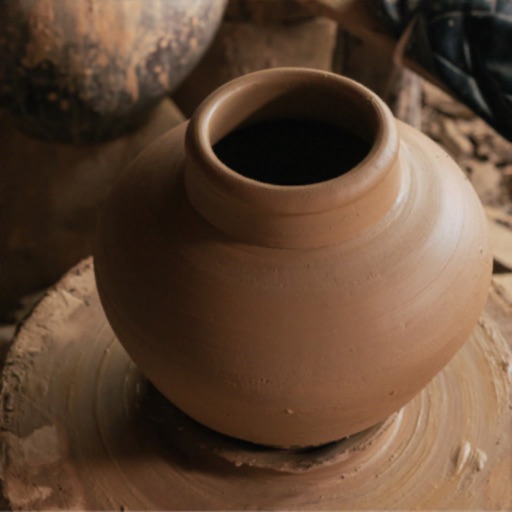
Create by dragging and molding the shape. Bake the pot to prepare for design. Add colors, patterns, and stamps to customize the artwork. Save finished creations to the device gallery.
Create digital art with customizable brushes and layers. Adjust brush settings for pressure and flow. Use Apple Pencil for precise strokes. Save and export artwork in various formats. Import images for tracing or blending.
Create collages by mixing and arranging photos, rotating, and moving them freely. Add text, stickers, and backgrounds with customizable fonts, sizes, and colors. Draw or write on photos using a doodle tool. Export and share finished collages.