Apps Like Solfa - learn read music tutor for iPhone and iPad
Notes, switch clefs, track progress
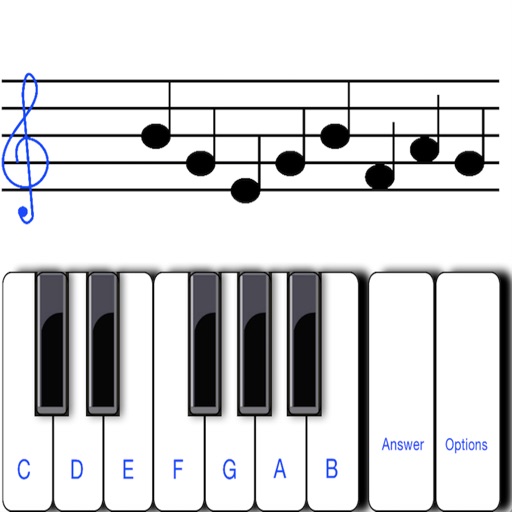
To sight notes in G and F clefs. Practice notes across six octaves, including those above and below the staff. Randomly generated notes apply to any instrument. Switch clefs for varied practice. Beginners can limit octaves and set their pace.
by Alain Kong★ 4.667 ratingsEducation$1.99Data updated 2026-09-09
Play melodic sounds using a 3-octave keyboard or MIDI controller. Access 63 tapes from Streetly's Production Masters. Control internal settings via MIDI. Record and perform with real-time adjustments. Sync with external devices for expanded control.
The app offers flash cards for learning fretboard notes, positions, and ear training. It supports various instruments and learning methods for musicians of all levels.
The app provides an interactive game environment to learn the Tenor Clef. Users can master six levels at their own pace, choosing difficulty and notation type.
The app helps users identify notes on the fretboard and staff. It offers practice and test modes, supports various key signatures and scales, and tracks user progress per fret group.
Master helps users practice intonation by using droning sounds across different intervals. Users can adjust pitch, compare notes, and identify tuning discrepancies. The provides visual feedback and allows for custom configurations.
Play traditional sounds with adjustable chord, rhythm, and instrument volumes. Customize pitch by sliding strings and transpose notes. Adjust rhythm speed and access two octaves of playable range.
The app offers over 1,000 rhythm patterns across 10 skill levels for musicians. It includes features like sight-reading mode, learner mode, and instant feedback to improve timing and rhythm.
The app provides an interactive game environment to learn the Bass Clef. Users can master six levels at their own pace, choosing between alphabetic or Solfege notation.
Learn to read notes with interactive that display notes on the staff. Practice identifying notes on a virtual instrument and receive instant feedback. Track progress with built-in quizzes and ear training exercises.
Create unique sounds by shaping notes with your mouth near the speaker. Adjust tone pitch and volume. Access a tutorial for guidance on using the effect.