Create and customize 3D models using block pieces. Arrange, rotate, and color blocks to build original designs. Save and share creations. Import and export models in various formats.
by Tomoki Ikeda★ 0.00 ratingsEducationFreeData updated 2026-09-09
Design and test electronics projects in a virtual workspace. Simulate circuits using over 150 components and 1,000 reference boards. Adjust 3D models and view physics-based interactions. Export project data and share designs.
Students create pieces using pre-unlocked patterns. They can rotate, resize, and customize designs. Export creations as images or 3D models. Share projects with classmates or teachers. Track progress and receive feedback on artistic development.
Play a primitive jewel-style puzzle with matching mechanics. Swap gems to create lines and clear them. Earn points and unlock new levels. Explore dark rock and green jungle themes. Enjoy relaxing visuals and addictive gameplay.
Play to solve puzzles by dragging and dropping blocks to form full lines in three directions. Create more lines for higher scores. Auto-save progress, switch themes, and choose from 8 textures.
Browse toy for to inspire creativity and skill-building. Access tailored suggestions for each toy. Identify Emotion Friends with quick naming guides for playtime recognition.
Play a puzzle game where players tap to remove and clear levels. Customize avatars with different colors and styles. Unlock new levels and themes as progress increases. Compete with friends in leaderboards. Share achievements on social media.
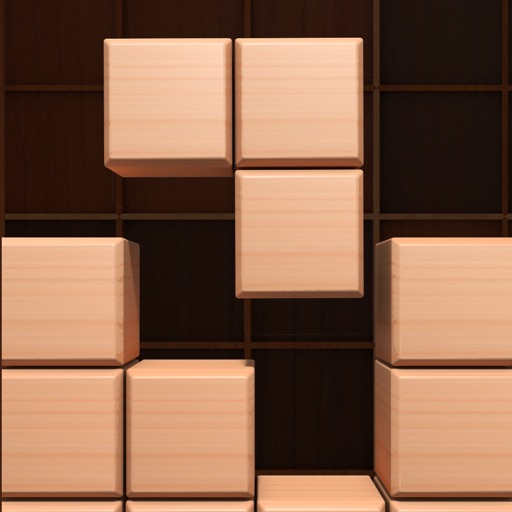
Play a wood-themed puzzle game by dragging and dropping blocks into a 9x9 grid. Eliminate rows or columns to score points. The game ends when no space remains for the given blocks.
Play with three different challenges. Solve Sudoku by filling cells without repeating numbers. Connect dots in Water Flows to create full pipe paths. Move blocks in Move Blocks to reach the exit with movement restrictions.
The app presents a game where users complete pictures by manipulating color blocks. The game's difficulty progresses through levels, offering engagement for various ages.
The app features fast 3D graphics and intuitive controls using the accelerometer. It includes the original Cube Runner game and a new Time Trial mode with a level editor for creating and sharing custom layouts.
Move numbered blocks to solve puzzles and reach goals. Customizable play styles allow multiple solutions. Track progress and replay levels for continued challenge.
Play a Match-3 puzzle game by swapping blocks to create matches of 3 or more. Earn points by combining from the last 7 moves. Choose from various themes and shapes. No time limit and infinite lives available.
Match blocks by completing where all attributes are either the same or different. Play in 27, 42, or 81 block modes. Access step-by-step tutorials, view high scores, and reset scores. Use hints if stuck. Sync with Game Center.
Mine for hidden treasures by breaking blocks and upgrading tools. Collect resources, build structures, and explore vast worlds. Customize characters and unlock new items through progression. Play solo or with friends in multiplayer mode.
OREON STUDIOS OYUN YAZILIM TEKNOLOJI TICARET ANONIM SIRKETI
Tap blocks to clear the screen
Tap blocks to remove them and clear the screen to reveal hidden objects. Rotate shapes by sliding fingers to clear blocks from all angles. Plan moves carefully as blocks only move in one direction.