Apps Like Recorder fingering chart for iPhone and iPad
Play notes with finger guidance
Learn by selecting notes to view corresponding finger placements. View visual guides for individual notes and scales. Serve as a reference for experienced players to review finger positions.
by Onix-Systems★ 4.33 ratingsEducationFreeData updated 2026-09-09
The app provides tempo control through a spinning wheel or finger tap. It supports various time signatures and tempos for practice, with features like visual flashing and background audio.
Learn through -focused lessons that combine with practical playing. Practice scales, chords, and progressions. Track progress and revisit lessons for review. Sync with accessories for real-time feedback.
Solve problems by snapping photos for instant solutions. Access detailed explanations and step-by-step guidance from an AI tutor. Track progress and review solutions for better understanding.
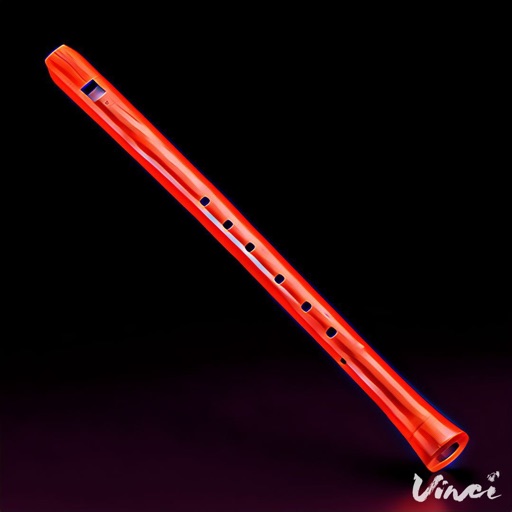
Play notes with finger placement and breath control. Adjust reed settings for different tones. Practice scales and songs. Record performances and share files. Access tutorials for beginners and advanced techniques.
Check note positions and fingering for trombone, euphonium, trumpet, tuba, and french horn. Transpose music for other instruments. Identify note names based on sound or visual representation.
Learn terms and abbreviations through trivia quizzes. Test knowledge with anatomy and physiology questions. Track progress and review answers for better retention. Share scores with friends.
Display chord diagrams for 5-string and 4-string banjos. Explore 8000 across 11 fretboard positions. Select root, chord type, and variation to view diagrams. Adjust settings to customize chord display.
Create and manipulate sound with three independent synthesizers. Adjust pitch from 8–20,000 Hz. Slide or snap notes to scales with customizable glide rates. Set and edit individual notes for precise musical control.
Learn through interactive exercises and a visual approach. Practice reading rhythms and scales. Track progress with step-by-step lessons. Receive instant feedback on accuracy. Export exercises for offline practice.
Play rhythm-based games with customizable tracks. Tap notes to create melodies. Adjust tempo and volume. Save and share custom compositions. Track progress and unlock new themes.
Learn musical notes by associating them with colors and vibrations. Practice identifying pitches through synesthetic feedback. Track progress and receive guidance to improve recognition without a reference tone.
Track behavior by logging and frowns. Assign for positive actions. Review progress over time. Set goals for improvement. Share feedback with parents or teachers. Sync data across devices.
Play bagpipes using on-screen controls to simulate fingering and embellishments. Adjust breath pressure and volume for realistic sound. Listen to high-quality recordings of real bagpipes.
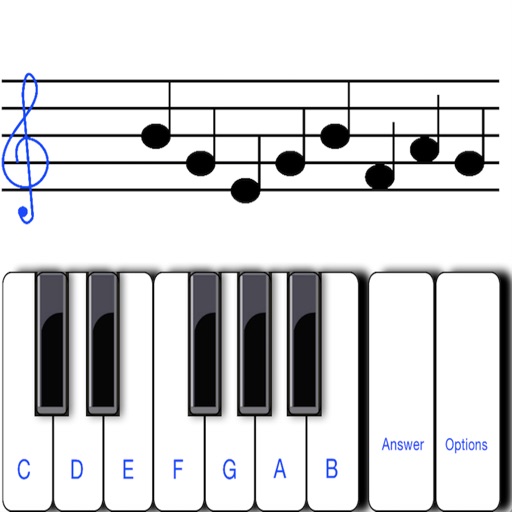
To sight notes in G and F clefs. Practice notes across six octaves, including those above and below the staff. Randomly generated notes apply to any instrument. Switch clefs for varied practice. Beginners can limit octaves and set their pace.
Access fingerings and alternate positions for various and tuba instruments. View note names, piano layouts, and musical notations. Supports multiple clefs and pitch systems for written and concert pitch.
Create flashcards, quizzes, and summaries from learning materials. through a personalized feed that mimics social media. Track progress with built-in assessments and review sessions. Share notes and collaborate with peers in real time.
Learn with pronunciation guides, character breakdowns, and sentence translations. Practice reading, listening, and speaking. Access vocabulary lists and grammar rules. Track progress with quizzes and exercises. Share notes and audio recordings.