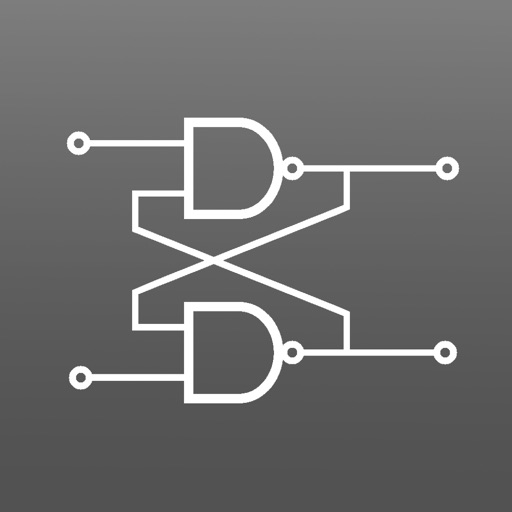
The app enables users to design digital circuits using virtual components. Users can select symbols, place them, and simulate the circuit to view results.
by Festo Didactic SE★ 0.00 ratingsEducationFreeData updated 2026-11-03
Access courses from 600+ top universities. Earn accredited degrees and certifications. Track academic progress and job placement opportunities. Manage learning schedules and review course materials. Submit assignments and receive feedback.
Access Qbanks for Pre-PA, Didactic, Rotation, PANCE, and PANRE/PANRE-LA exams. Create practice sets, answer questions, and review assessments. View exam results and track progress. Sync with PANCE/PANRE Review Course materials.
Solve equations and perform algebraic manipulations. Graph functions and analyze data. Enter and analyze statistical models. Calculate derivatives and integrals. Export results and share solutions.
Institute of Electrical & Electronic Engineers Inc
Explore , drones, and self-driving cars
Explore detailed information about , humanoids, drones, and self-driving cars. View thousands of photos and videos. Interact with educational content about robot functionality and impact.
Turn iOS device into a document camera for video calls. Share desk items during virtual lessons. Use AirPlay for screen sharing. Toggle flashlight and rotate screen quickly.
Edit schematics, calculate values, and test circuits
Manage components with a database of resistors, capacitors, and diodes. Calculate circuit values using Ohm’s Law and power formulas. Access schematics, datasheets, and component symbols. Convert units and view component ratings.
Prepare for military officer training with practice tests covering spatial reasoning, verbal skills, and math. Simulate real exam conditions with timed sections. Review results and track progress over multiple attempts.
Learn to build complex redstone machines with step-by-step guides and over 1300 screenshots. Access more than 300 detailed instructions to create advanced mechanisms. View tutorials for redstone circuits, logic gates, and automated systems.
Tests cover core topics like venipuncture, patient safety, and specimen handling. Users can take interactive quizzes, review explanations, and track progress.
Design and simulate electromechanical systems using relays, switches, buttons, contactors, timers, and motors. Create electrical diagrams, test circuit functionality, and analyze component interactions. Export simulation results and share designs.
Help robots complete chores like cleaning oil spills and organizing parts. Fix the control panel and mend circuits. Explore hidden interactive areas and find the hidden robot mouse.
Practice ear training by identifying intervals, chords, and scales. Listen to audio examples and select the correct answer. Track progress with detailed reports. Sync lessons across devices and receive instant feedback on accuracy.
The app simulates combinatorial and sequential digital circuits. Users can study circuit behavior through single-step or step-by-step simulations, with dynamic simulation for clock inputs and a timing chart.
The app allows users to design, build, and test DC circuits on their iPhone or iPad. It visually demonstrates charge flow and displays voltages on circuit nodes, with bulbs glowing based on power dissipation.
Create structures for tree houses, ferris wheels, and more using a blueprints editor. Simulate designs with a physics engine to test strength and cost efficiency. Undo mistakes and adjust scale with zoom controls.
Create accounts, attend virtual classes, and access course materials. Complete post-lesson quizzes to earn digital certificates and Points. View progress and manage learning activities remotely.