The app enables users to design digital circuits using virtual components. Users can select symbols, place them, and simulate the circuit to view results.
by Festo Didactic SE★ 0.00 ratingsEducationFreeData updated 2026-11-03
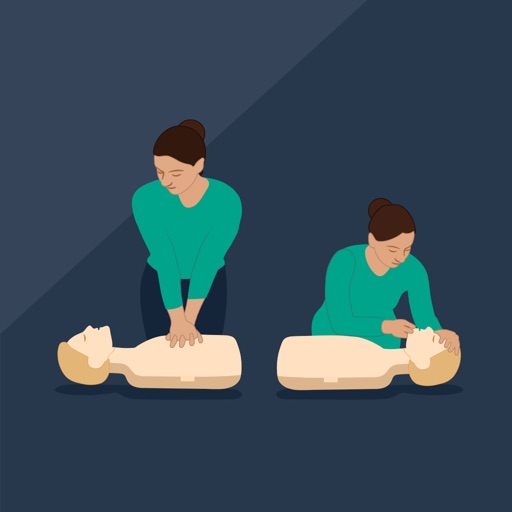
Learner Mode, users join a virtual CPR class using a code. They receive real-time feedback during training. In Instructor Mode, teachers train up to 42 students with real-time feedback.
Teach children to write with interactive letters and numbers. Arrange pieces on a virtual board to create words and shapes. Includes themed sets and symbols. Supports unlimited creative combinations and expansion packs.
The app teaches children aged 5-8 how to read a clock face and tell time. It uses familiar elements like the sun and shadow to build a foundation for learning time.
Learn oscillator design with tutorials and diagrams
Learn about oscillator design and waveform generation using 555 timers, logic ICs, op-amps, and transistors. Access over 130 tutorials and circuit diagrams.
Smartphone movements to simulate ultrasound probe actions. Adjust imaging parameters and view real-time scans on a connected device. Save and review scan sessions for analysis and training.
Read the novel " " with adjustable auto scroller speeds. Customize text and background colors in settings. Access the full text of the 1719 publication. Navigate through the epistolary narrative as the castaway's autobiography.
Learn iOS development with a structured 8-day challenge. Follow video tutorials to master Xcode navigation, Swift coding, UI design, and user interaction. Complete interactive quizzes to test knowledge and track progress.
The app teaches basic wire connections through interactive exercises. Users can explore conventional batteries, light bulbs, switches, and power sources like solar panels and dams.
Learn digital and career-readiness skills through structured lessons. Track progress over time. Access content designed for practical application. Connect with others to share insights and support.
Simulate a realistic FPCDU interface for flight training. Enter and edit flight data, use Line Select and Function Keys. Integrate with FMST Desktop Software for synchronized training. Perform data entry tasks and navigate flight scenarios digitally.
Learn electronics and circuits through hands-on activities with real-time AR 3D visuals and animations. Build projects using the learning kit or demo image target. Visualize complex electrical theories and track progress with interactive guides.
Explore the Boeing 787 with interactive panels and display modes. Tap to learn about flight control components and systems. View detailed layouts and operational functions. Simulate procedures and test knowledge through quizzes.