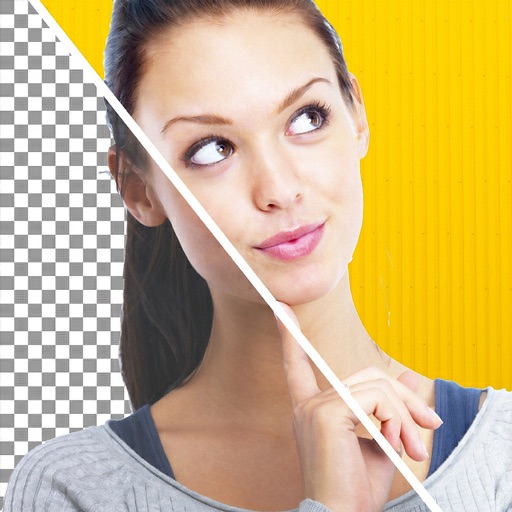
Edit photos with motion , bokeh lens, and mosaic effects. Adjust brightness, contrast, and color. Crop images to various sizes. Share edited photos directly. Apply to the entire image, background, or specific faces.
Apply filters to photos and videos to create a swirly bokeh effect. Adjust intensity and focus areas. Export edited content in various formats. Share directly to social media or messaging apps.
Edit photos with single-tap filters, brightness, opacity, contrast, blur, and focus adjustments. Rotate, crop, and resize images. Share to Facebook, Twitter, or Instagram. Save to photo library or send directly.
The app offers over 200 spells and references on herbs, crystals, and essential oils. It provides information on spells, spell casting, and includes an expanded glossary.
Shenzhen Qianhai Happy Tour Network Technology Co., Ltd.
Capture motion, add effects, share instantly
Take photos and record videos with enhanced transparency effects and fade-in/fade-out transitions. Adjust character opacity, apply -like visuals, and capture up to 60 minutes of . Share edited content directly to social media platforms.
Convert photos into art with adjustable density and six design options. Choose from four styles and control edge thickness. Export the result as a video or animated GIF.
Customize text with a wide selection of fonts. Apply fonts to messages in Facebook, Twitter, WhatsApp, and other apps. Preview fonts in real-time. Share samples via screenshots.
Create photos with effects and light leaks. Apply 36 shapes and 33 light leak effects. Use 23 image filters. Adjust size, opacity, and color. Draw multiple shapes with touch. Apply multiple shapes to one photo.
Create posters, flyers, and advertisements by adding text to photos. Choose from 300+ fonts, adjust size and color. Design quotes, invitations, and greeting cards. Export without watermarks. Sync with social media platforms.
Take photos or select images from the gallery. Position, resize, and rotate a mask overlay on the . Apply filters and adjust the mask. Share the final image on social media or via email. Switch masks or edit the as needed.
The app allows users to add typography, filters, frames, shapes, and stickers to photos. It includes tools to adjust sharpness, brightness, saturation, contrast, RGB, hue, and exposure.
The app allows users to draw directly onto their camera lens or photos. Users can add captions, stickers, and doodle on images before saving and sharing them.
Block distracting elements on websites like YouTube, Facebook, and Instagram. Hide videos, comments, and other attention-grabbing content. Temporarily disable interference to improve focus and productivity.