Create and share strategies with drawing tools. Add and move player markers represented by X's and O's. Collaborate with teammates to plan plays and drills. Export and share strategy diagrams.
Create and share sketches with realistic brush strokes and modeling effects. Study forms, shapes, and architecture. Save drawings to photo library or social media platforms like Twitter, Facebook, and Sina Weibo.
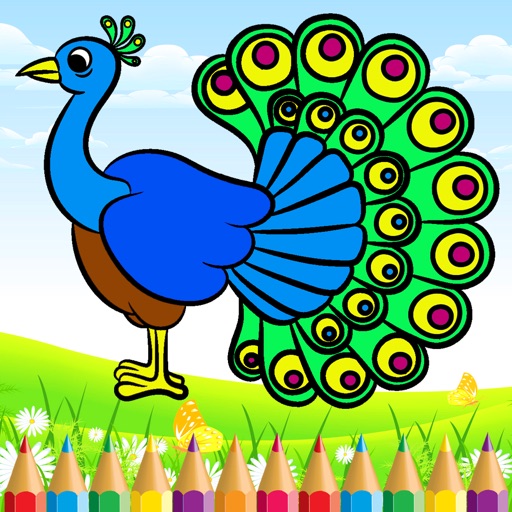
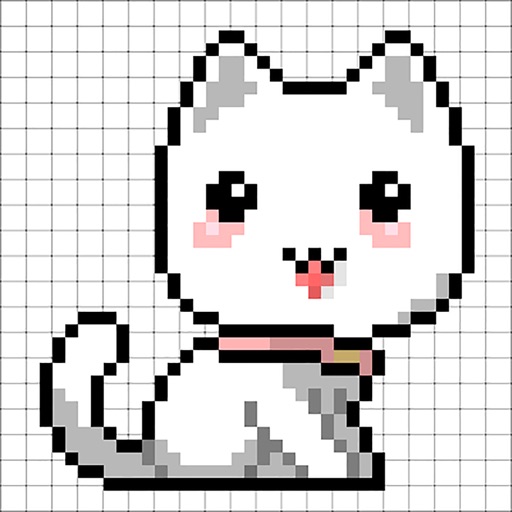
Create and customize drawings with a variety of colors and brushes. Use preloaded templates for coloring or draw freely. Save and share completed artwork. Adjust brush size and opacity for detailed work.
The app allows viewing native SolidWorks, eDrawings, and DraftSight files. Users can view models, access configurations, and use markup, measurement, and section tools.
Create art with interactive brushes like slime, tie-dye, and fire. Design with mini games such as Friendship Bracelet Creator. Use art history themed stickers and seasonal holiday packs. Choose from 150+ colors including pastels and neons.
View art, explore collections, and share creations
Create and customize abstract art using brush strokes, color blending, and layering tools. Import images or use built-in templates. Save and share artwork in various formats. Adjust color palettes and brush settings for detailed editing.
The app provides digital drawing tools for users to learn manga and anime techniques. Users can draw with a finger or stylus, share their art, and access tutorials and books from Manga University.
The app allows users to create 2D graphic animations and movies by drawing scenes with finger tools. Users can specify scene duration, edit keyframes using various tools, and generate intermediate frames for animation.