Upload images to color, play connect the dots, and draw by numbers. Draw on photos and save creations. Includes simple tools for children to create and customize artwork.
Learn to sketch 2D and 3D views through 10 structured lessons. Practice orthographic projections, 3D object rotations, and flat pattern creation. Complete assignments to improve visualization and technical communication skills.
Markup PDFs with freehand drawing, text, and annotations. Fill forms and add signatures. Sync across devices using iCloud. Export edited PDFs and share directly.
Create drawings by following guided steps. Choose colors and shapes. Guess what the drawing represents. Share creations with family. Explore a colorful, interactive environment for creative play.
The app offers drawing tools including crayons, paint brushes, and colored pencils. Users can create stories by talking about their drawings and moving stickers, then save and share their creations.
Note-taking allows users to write notes with handwriting or keyboard input. Customize pen color and size. Undo mistakes with a single tap. Count characters in notes. Edit, add, or delete memos as needed.
The app allows users to create geometric shapes and explore their properties. It includes tools for drawing, annotation, and transformations, with automatic metric calculations and snapping features.
Use AR to project images onto real-world surfaces and them for drawing. Create original artwork with real-time feedback. Adjust colors, lines, and layers within the . Save and share drawings directly.
Create notes, drawings, and organize content on an endless . Import and annotate PDFs, add images, and use intuitive drawing tools. Zoom in or out, choose backgrounds, and export work for sharing. Sync across devices using iCloud.
The app provides HTML5 webpage development tools and tutorials. It includes a code editor, file system management, and sample files for features like Canvas drawing and WebGL.
Edit images by on photos with 45 colors and five pen thicknesses. Use zoom edit and undo functionality. Add text with drag and pinch for free layout. Import from camera roll and attach images. Share edited content via email, Twitter, and Facebook.
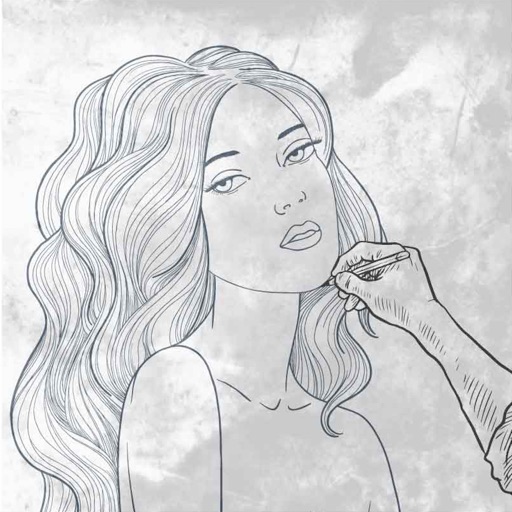
The app provides drawing tutorials broken into 11 steps with additional tips for illustrating portraits. Users can learn techniques at their own pace, whether using physical tools or a drawing app.