Edit photos with auto enhancement, artistic sketches, beautiful paintings, and funny cartoons. Apply 700+ filters and . Add frames and stickers. Share edited photos directly.
Create custom mosaics and video mosaics using images from device or social accounts. Analyze colors and shapes to generate personalized mosaics. Adjust settings for customization. Zoom in for detailed viewing.
With filters, cropping, and adjustment tools. Apply beauty enhancements and double exposure effects. Use color splash and resize images. Access frames and story templates. Change resolution and export in multiple formats.
Add , captions, and quotes to or artworks. Apply filters and blur effects. Share directly to Instagram, Facebook, Twitter, Tumblr, or blogs. Create and save custom graphics for social media.
Connect with others to draw in real time. Create and share drawings instantly. Customize canvas with background photos. Place artwork on lock screen. Start sessions without accounts or personal data.
Create gallery-style portraits from images using automatic painting tools. Add color, light, and texture for realistic effects. Choose between classic-style brushes or modern-colored options. Save and share finished artworks.
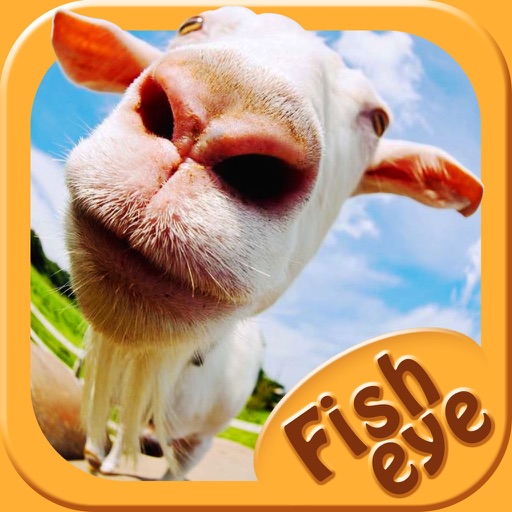
Capture photos a 178-degree fisheye lens for wide-angle . Apply 40+ filters and 8 ring textures for creative enhancements. Switch between lenses, filters, and textures for customized looks.
Customize Home and Locked Screen with HD Retina images. Edit professionally. Share creations with community, save favorites, and follow friends. Receive daily wallpaper updates.
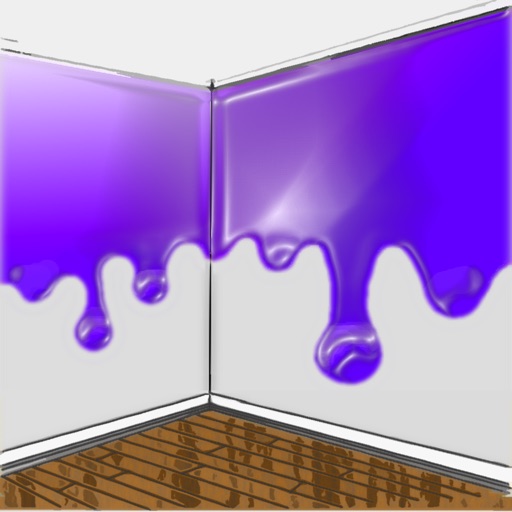
The app allows users to visualize new paint colors on their walls before painting. Users can try colors from a palette or sample real-world colors and apply them to photos of their home.
Turn photos into drawings, cartoons, or sketches with one click. Apply 19 effects with full control. Save creations and share via Facebook, Twitter, Flickr, Tumblr, and Email.
Filters, adjustments, and effects. Apply blur, focus, and rotation. Add stickers, text, and on images. Crop, resize, and enhance . Remove blemishes and whiten smiles. Save or share edited images.
Edit photos by selecting focus areas with smart selection tools. Apply to background while keeping subject in focus. Choose from nine including motion and zoom. Pan and zoom quickly for precise adjustments.
Create portraits that reflect personal style with customizable and synthesis tools. Adjust images using blur, resize, and text overlay features. Share edited photos directly to Twitter.
Change eye appearance in photos and videos using face detection. Apply funny eye effects like big, sleepy, or cartoon styles. Choose from makeup options including liners and shadows. Select animal or Halloween-themed eye transformations.