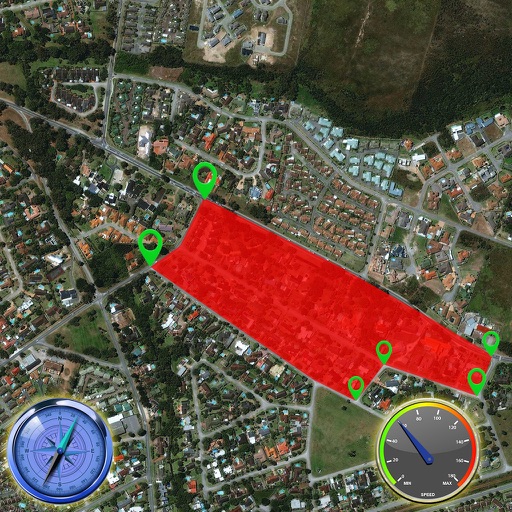
Track speed with accurate GPS measurements and view average and maximum speed per trip. Choose units and monitor distance traveled and estimated travel time. Use turn-by-turn navigation to build routes.
View AIS targets plotted relative to device position. Tap targets to see speed, course, destination, type, and length. Display GPS and wind data on an instrument panel. Overlay AIS targets on Navionics charts with an in- purchase.
Take to mark locations and back to them. View the location on a map or follow an arrow for directions. Use for hiking, finding parked cars, meeting friends, or exploring routes based on .
Measure areas using GPS or manual map points for accurate calculations. Switch between and distance modes. Save measurements for later access. Use compass navigation for directional guidance.
Pay for in Prague with saved vehicle details, select zones and duration, and complete payments with one click. Terminate sessions early. Search public routes, view timetables, and check line information.
Provides turn-by-turn navigation using Street View to avoid getting lost. Users can assess route safety and steepness before traveling. Save time and costs by previewing destinations without visiting them.
Calculate costs for routes in the US, Canada, Mexico, the UK, Scandinavia, Western & Central Europe, Brazil, Australia, and New Zealand. Input start and end points to receive estimated fees. Supports 2-axle passenger vehicles.