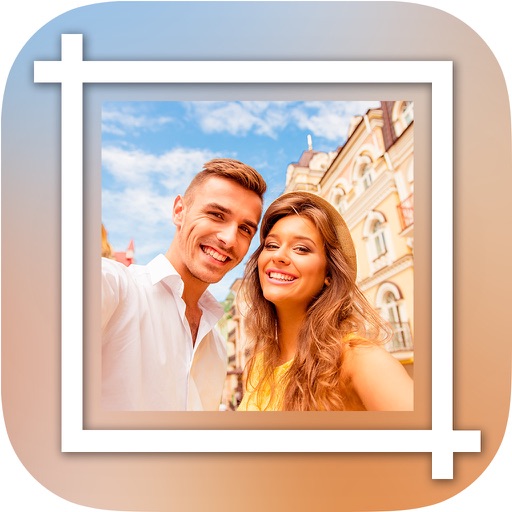
The app allows users to select a photo and create a blurred frame effect instead of cropping. Users can adjust the blur and fade effects and save the modified photo to their gallery for sharing.
by Ashraf Samy★ 4.25 ratingsPhoto & VideoFreeData updated 2026-11-02
Edit photos with AI-powered tools for background removal and image enhancement. Adjust colors, brightness, and contrast. Add text, stickers, and filters. Export in various formats and share directly.
The app allows users to customize their iPhone camera with various atmospheric photo styles. It offers adjustments for brightness, contrast, blur, focus, and vignetting, along with 18 color filters.
The app prepares photos for sharing on social media platforms. Users can apply filters and borders to images without cropping, keeping them in a square frame for platforms like Instagram.
The app allows users to enhance photos with frames, effects, and text. Users can capture new photos or select existing ones from their gallery to integrate with chosen frames.
Edit photos with filters, adjustments, effects, blur, and focus. Crop, rotate, and draw on images. Apply tone curves and enhance details. Save and share edited photos in various formats.