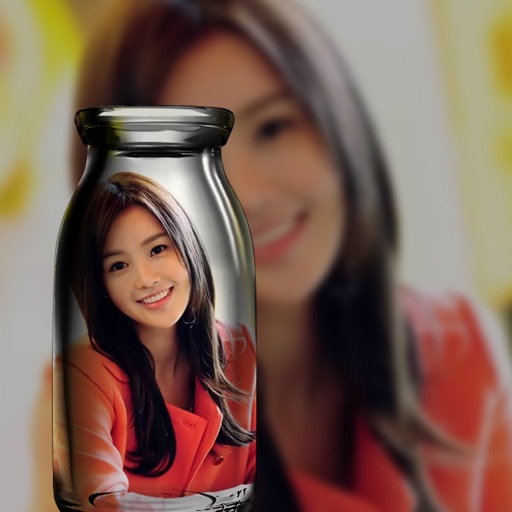
The app allows users to select a photo and create a blurred frame effect instead of cropping. Users can adjust the blur and fade effects and save the modified photo to their gallery for sharing.
by Ashraf Samy★ 4.25 ratingsPhoto & VideoFreeData updated 2026-11-02
And pixelate people in videos by selecting targets like face, eyes, mouth, or full body. Automatically detect and track subjects across frames. Save and share edited videos in three simple steps.
Convert photos to black and white, sepia, or mono formats. Apply splashes to specific areas using touch. Adjust effects like hue, saturation, and contrast. Add photo filters for enhanced visuals. Export edited images in various formats.