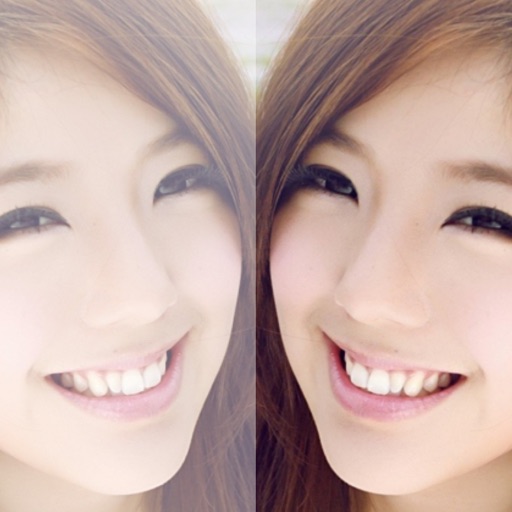
The app allows users to select a photo and create a blurred frame effect instead of cropping. Users can adjust the blur and fade effects and save the modified photo to their gallery for sharing.
by Ashraf Samy★ 4.25 ratingsPhoto & VideoFreeData updated 2026-11-02
Take selfies with a live beauty and apply custom filters. Create collages in 18 styles with masks and frames. Add spiral or neon effects to photos. Enhance and save library images. Capture selfies with a timer.
Edit images with 75 standard and 285 custom blend . Adjust luminosity, contrast, and color. Apply 49 effects including spot, hue, and pixelate. Use blur, focus, and crop tools for precise refinement. Export edited images in various formats.
The app allows users to create unique images with special effects by combining photos with text. Users can add stylish text, masking, collages, frames, filters, and geometric shapes to their photographs.
Apply filters to photos from the gallery or during capture. Choose from twelve unique styles including cartoon, sketch, and paint effects. Edit images with artistic filters and save or share the modified photos.
The app allows users to collect photos into art frames. Users can choose frames, select photos from their gallery or camera, apply effects, and adjust images with zoom and rotate functions.
Edit photos with filters, effects, and shapes. Add text and stickers. Crop and adjust images. Share directly to social networks. Apply pre-designed styles for modern looks.
Edit photos with cropping, rotation, and creative tools. Apply 15+ color filters and stickers. Capture photos with camera or choose from gallery. Create square-style collages and share directly.
Edit photos with filters, cropping, and brightness adjustments. Add text, stickers, and borders. Export in various formats and share directly. Adjust colors and apply effects for enhanced visuals. Simplify editing with an intuitive interface.