Take notes, draw charts and sketches, and annotate documents. Keep a diary or track tasks. Use AI assistant for brainstorming, completing assignments, and finding information. Export notes in multiple formats and share directly.
Create images, drawings, and paintings with customizable brush settings including thickness, color, transparency, and dynamic intensity. Sketch and modify simple graphics for logos, clothing, hairstyles, and more.
The app offers over 20 drawing tools that mimic real-life implements, including wet and dry watercolor brushes. It features a tracing projector, precision tools like rulers and shapes, and full layer support for creating detailed artwork.
Solve interactive puzzles with sound effects and animated backgrounds. Color drawings of animals. Explore interactive objects in the environment. Complete puzzles in the full version or try a selection in the free version.
The app uses AI Magic to transform children's doodles into various art styles like watercolor, anime, or Chinese ink. It offers step-by-step drawing guides and a coloring book for children ages 2–6.
Create custom grids over reference images or drawing surfaces. Set grid dimensions and adjust spacing. Transfer intricate details square by square. Export drawings in multiple formats. Share directly from the .
Draw and color characters directly on the screen or with a pencil on paper. Access a public gallery to share art. Follow step-by-step drawing guides. Color pages with solid or gradient colors. Color pixel art by numbers.
Create animations using finger or Apple Pencil drawings. Access traditional tools like paint palette, auto-save, onion skin, brush, eraser, and frame controls. Duplicate, insert, and copy/paste frames. Export animations as MP4 files for sharing.
Draw on a virtual canvas with responsive touch input. Adjust brush size and opacity. Save and share drawings directly. Supports multiple layers and color options.
Create and edit and drawings for home screen and lock screen widgets. Draw with Apple Pencil or finger, type with keyboard. Customize backgrounds, colors, fonts, and zoom for details. Combine text and drawings in one note. Share as images or text.
Take a selfie and submit it for others to portraits. Browse community artwork including masterpieces, doodles, and caricatures. Use GPU-accelerated tools with various brushes for drawing.
The app provides custom-designed drawing tools that simulate real art supplies. Users can share their creations or save them for later, with options for interaction through likes and following.
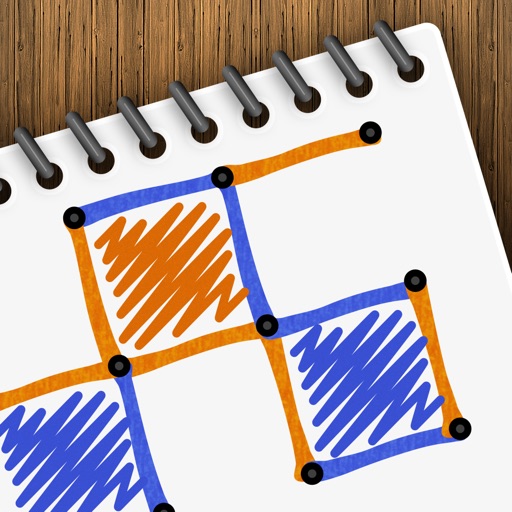
Play a turn-based strategy game by connecting to form . Take turns drawing lines between grid points. Earn points for each box completed. Compete against another player or AI opponent. Customize game settings and track scores.
Create art using realistic and watercolor effects. Draw with tools like marker, airbrush, crayon, and eraser. Apply fluid-based watercolor effects in the full version. Adjust colors and blend textures for detailed illustrations.
Create manga and illustrations using free tools like G-pens, mapping pens, tones, and backgrounds. Access lessons on story creation, character design, and dialogue from editorial team. Enter contests and receive updates on available competitions.