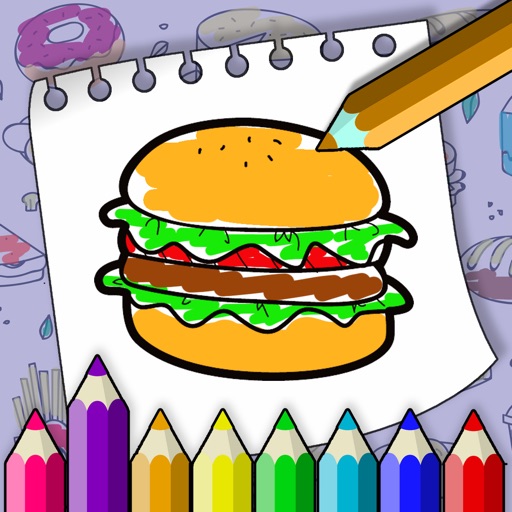
The app provides a drawing experience for young artists with simple controls and bright colors. It includes options for more brushes and sizes, along with step-by-step drawing lessons.
by Artem Avakyants★ 0.00 ratingsEntertainmentFreeData updated 2026-11-02
Create and customize artwork with various brushes and tools. Save paintings to a personal gallery. Share completed artwork via email or social media. Add stickers, text, and frames to designs. Display favorite images on home screen widgets.
The app provides a drawing tool for users to create illustrations. Users can share their creations via email, save them to a photo album, or send them as illustrated tweets.
The app simulates a blackboard effect with chalk fonts and supports multiple blackboard styles. It offers a playback function to replay the entire drawing process and generate a video to share with friends.
Color pictures with a wide range of colors and tools. Draw on blank pages using realistic painting features. Access a variety of pre-designed images for . Zoom in and out easily. Watch video replays of drawing sessions.
With 12 colors, each offering 3 line sizes, 3 sparkling line sizes, and a bucket. Add cute monsters, rainbow effects, stars, and hearts with animated effects. Continue drawing on previous artwork. Includes calming music and no data collection.
Create drawings in real-world environments using augmented reality. Select from various brushes and stroke styles. Annotate scenes with text and shapes. Share finished artwork directly to social media.
Allows users to color pre-designed illustrations and create custom drawings. Select from a variety of themes including animals, mandalas, and flowers. Use a wide range of colors to customize artwork. Save and share completed drawings.
The app provides a freehand drawing experience using multi-touch gestures. Users can select colors, transparency, and brush sizes, with features like zoom, pan, and an under-finger preview for detailed work.