The app provides a drawing experience for young artists with simple controls and bright colors. It includes options for more brushes and sizes, along with step-by-step drawing lessons.
by Artem Avakyants★ 0.00 ratingsEntertainmentFreeData updated 2026-11-02
Draw on a or whiteboard with adjustable brush sizes and multiple paint colors. Create shapes like lines, arrows, circles, and polygons. Add text with customizable font sizes. Import photos and record video directly within the .
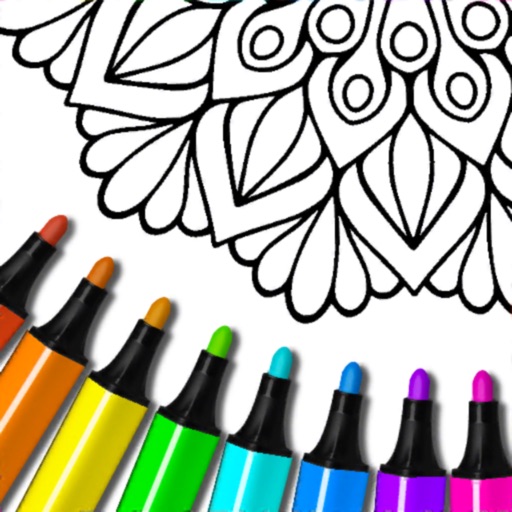
Color within mandala patterns using customizable brushes and colors. Save and share completed artwork. Access a variety of unique designs for relaxation and stress relief. Draw freely alongside coloring features.
The app allows users to draw and sketch ideas with an easy-to-use interface. It offers various tools like pencil, line, oval, and rectangle, along with an eraser and undo/redo functionality.
Allows children to draw using color selection, shape tools, and an eraser. It plays when drawing and includes a random color option. Users can change line thickness and save drawings.
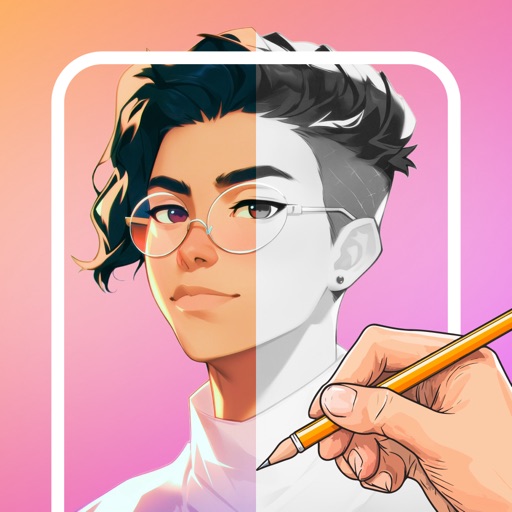
Learn to characters with step-by-step video tutorials on eyes, hair, clothes, and poses. Trace sketches using the device's camera. Progress from beginner to advanced with skill-level tailored lessons.
Create fluid ink paintings with finger swipes. Use tapered brushes for organic line effects. Overlay strokes for layered artwork. Practice minimalist and painting techniques.
The app allows users to create glowing artwork with drawing tools and add animations. Users can save creations to their photo album or email them to friends.
The app allows users to paint on photos using 210 brushes and pens. Users can create colorful pictures, express feelings, and share their creations via email.
Create artwork by adding crayon-inspired to drawings. Choose from vibrant, colorful designs to enhance creations. Save and share finished projects. Explore playful characters and whimsical scenes for creative expression.
Create digital art using AI-powered drawing tools. Explore pre-designed worlds for inspiration. Adjust settings to customize your creative environment. Save and share artwork directly.
Create art using augmented reality features. Draw on real-world surfaces with AR overlays. Receive real-time feedback and guidance while sketching. Explore interactive tutorials and artistic tools to enhance drawing skills.