The app allows users to create and animate stickers using photos from their camera or camera roll. Users can animate stickers by setting handles and using a timeline, and can also integrate video and audio.
by Stefan Messmer★ 3.01 ratingsEntertainmentFreeData updated 2026-11-02
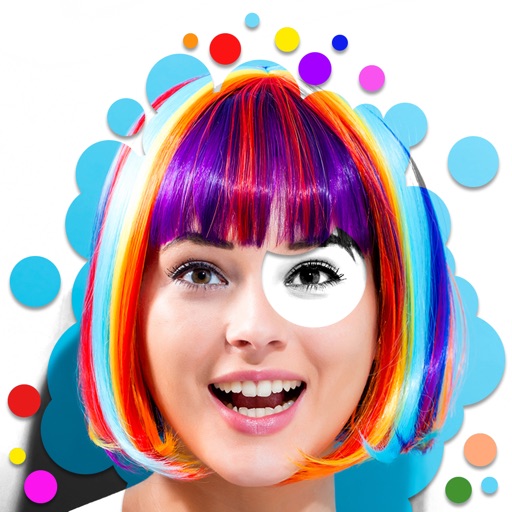
Create animation effects by morphing two or more photos. Transform faces between individuals or into celebrities. Edit and animate photos of friends, family, pets, or politicians. Export and share the final animated .
Add animated stickers to messages with drag-and-drop functionality. Choose from over 150 GIFs for reactions and relatable moments. Enhance conversations with high-quality, expressive animations.
Take photos with advanced camera functions and reshaping technology for leg-lengthening effects. Add cute and cool stickers from a large selection. Apply unique filters to enhance and stylize photos. Share edited images directly.
Edit photos with stickers, filters, and effects. Add text and customize images. Share edited photos directly. Retouch images with over 200 -themed stickers. Save and export in various formats.
Stickers allow users to send animated stickers via iMessage. Stickers include characters and scenes from the story. Users can install the sticker pack through iMessage settings. Stickers appear in the iMessage tray after installation.
Create short videos by arranging clips, adding music, and applying effects. Edit footage instantly without complex tools. Save videos to camera roll or share via email, Twitter, and Facebook.
Add animated to iMessages featuring characters. Choose from expressive of favorite . Share in conversations with friends. No cost for the sticker pack.
Use stickers to customize messages. Access 32 free animated stickers from 96 available and 60 free static stickers from 200 available. Purchase full version for all 296 stickers. Share stickers in chats and social media.
Send and receive animated stickers in iMessage. Choose from 24 high-quality animated images of . Add expressions to conversations with customizable sticker options. Share reactions without typing.
Create collages by mixing and arranging photos, rotating, and moving them freely. Add text, stickers, and backgrounds with customizable fonts, sizes, and colors. Draw or write on photos using a doodle tool. Export and share finished collages.
Use stickers to add messages in iMessage. Select and place stickers in message fields or drag them onto message bubbles. Includes 20+ original and Tiger designs.
Add captions to photos or images using beautiful fonts and stickers. Choose from various backgrounds and styles. Insert quotes or create love messages with creative typography. Share -over- creations directly.
The app creates unlimited collages with a single tap using a SmartSorting algorithm. Users can import photos, select modes, and apply various styles, text, backgrounds, filters, and stickers.
Use stickers to enhance iMessage conversations. Include 120 static and 48 animated stickers. Share animated stickers to express emotions. Access 40 free stickers with option to purchase full pack.
Apply to photos and videos in real time. Edit existing media from the camera roll. Organize into categories for quick access. Share edited content directly to social media. Adjust brightness, contrast, and color settings.