
Brightness Slider
Alexandre Truppel
Adjust screen brightness from menu bar.
The app allows users to adjust screen brightness from the menu bar. It provides improved control over dimming, enabling smooth transitions between low light and darkness.

Check time, dim display, rest quietly
A that remains dark except when needed. Display hides after adjustable time interval. Tap screen to view time, which disappears again after the interval. On iPhones in portrait mode, wave hand to activate time display via proximity sensor.
Showing 161–180 of 1,000 ranked alternatives.
Alexandre Truppel
Adjust screen brightness from menu bar.
The app allows users to adjust screen brightness from the menu bar. It provides improved control over dimming, enabling smooth transitions between low light and darkness.


WORDSMITH LLC
Control and preview presentations remotely.
The app allows control and preview of MediaShout presentations over Wi-Fi from an iPhone, iPad, or iPod Touch. Users can view the main or stage display and control presentations in portrait or landscape views.



Unity Technologies ApS
Test games live in Unity Editor.
The app allows users to view and test their game live within the Unity Editor using an iOS device. It streams touch, gamepad, accelerometer, gyroscope, webcam, and screen orientation events back to the Unity Editor.

Kurt Baum
Set times, track countdowns, manage flight alerts
Set local or GMT times for alerts, wake-up, transportation, time, and flight departure. Generate countdown timers for each event. Include an optional animated Martini glass timer for compliance with legal beverage limits.


Chris Jones
Track time with custom alerts and messages
Track time with customizable notifications. Choose from various sounds like beeps, chimes, or spoken words. Set custom messages to display on the screen. Specify exact times for alerts, including hours, half-hours, or custom intervals.
MARK MANSER
Scrolling text and emoticons
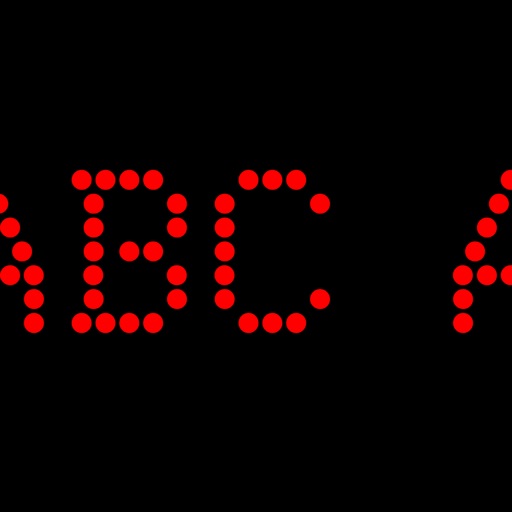
Displays scrolling text messages and emoticons on an LED dot-matrix screen. Users can input messages, choose text colors, and adjust scrolling speed. Supports continuous operation with customizable content.

Felix Lisczyk
Capture notes with voice, widgets, and clipboard
Create notes using voice commands, Apple Watch, or in- dictation. Attach images, PDFs, videos, and files. Draw sketches directly. Access notes via home screen widgets or clipboard capture.



Vladimir Kelin
Track time with vibration alerts
Track time with a distraction-free that repeats at set intervals. Use vibration instead of sound. Run in the background. Choose from interval, total time, or countdown modes. Pause or cancel via notification.

Roxwin Vietnam Technologies Company Limited
Launch apps, , and shortcuts quickly
Access shortcuts, , and quick actions on Home Screen, Lock Screen, and Notification Center. Customize layouts with favorite apps and . Set up intelligent shortcuts for frequent tasks. Manage groups and organize home screen layouts.

Apps are ranked by functional similarity, category fit, rating confidence, and popularity.