Apps Like Shapes++ ◯ frame & circle crop for iPhone and iPad
Photos with shapes and borders
Edit photos with over 120 shapes and frames, including 20+ frames. Create collages using repeated image parts with shading. Adjust shape size to fit edges or normal scale. Add optional borders. Zoom and pan photos anytime. Rotate photos anytime.
by Kamran Saberihaghighi★ 4.06 ratingsPhoto & Video$1.99Data updated 2026-09-09
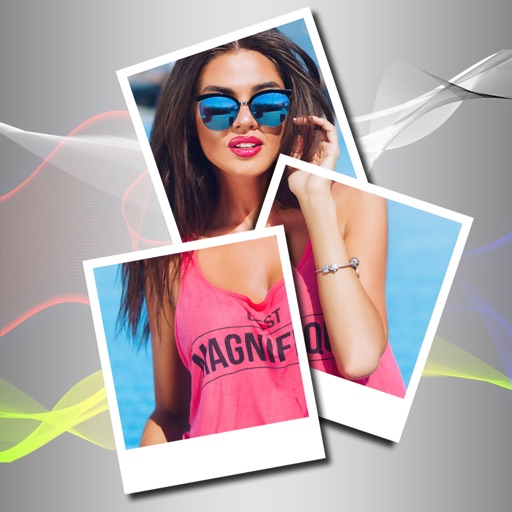
Create collages by selecting photos and arranging them in customizable layouts. Choose from 200+ frames and templates. Adjust colors, borders, and backgrounds. Edit photos with crop and enhancement tools.
Edit photos with PIP frames, collages, and creative layouts. Add crystal bottle patterns and cartoon styles. Share edited photos directly to social media. Adjust brightness, contrast, and colors. Crop and rotate images.
Combine multiple photos into customizable frames or collages with 55 adjustable templates. Add rounded corners, effects, shadows, and patterns. Choose colors using an easy color picker. Save projects and share via Facebook, Email, or Twitter.
The app offers tools for photo editing, including frames, layouts, and effects. Users can adjust color balance, brightness, contrast, and saturation, and apply sharpening or blurring.
Edit photos with New and Christmas frames. Add text, stickers, and effects. Share edited photos directly to social media or messaging apps. Adjust brightness, contrast, and saturation for enhanced visuals. Export in various image formats.
Edit photos using one-tap presets for instant style. Adjust brightness, contrast, and saturation manually. Crop, rotate, and straighten images. Add text, stickers, and borders. Export edits in various formats and share directly.
Edit photos and videos with grid layouts, templates, and customizable collages. Add exclusive stickers, backgrounds, and doodles. Create Christmas cards and share finished projects directly.
Create collages by adding photo grids, frames, and filters. Apply effects like sepia and retro. Add stickers and text. Share collages via messengers and social networks. Edit photos with built-in frames and layouts.
Edit photos with crop, rotate, exposure, color, sharpness, and resize tools. Create grid collages and edit individual images. Access presets, clone tool, and fine curve adjustments for detailed edits. Export and share edited photos directly.
Apply -themed to images from the gallery or camera. Adjust frame size and position by rotating, scaling, zooming, or dragging. Choose from fifteen in various shapes and colors. Save edited photos to the device.
Create fully customisable . Import images from your gallery as backgrounds. Access an online photo library with 2.5M+ royalty free images. Adjust colors of design elements. Decorate home screen with . Export and apply modified .
Extract high-quality still images from videos or Live Photos. Select and edit frames with built-in tools. View and edited photos directly. Play videos from local storage or iCloud. Scrub through footage for precise frame capture.
Create greeting cards by adding photos to frames. Select images from the gallery or take new photos. Choose from various frames and adjust photos with zoom and rotation. Share cards with friends and family.