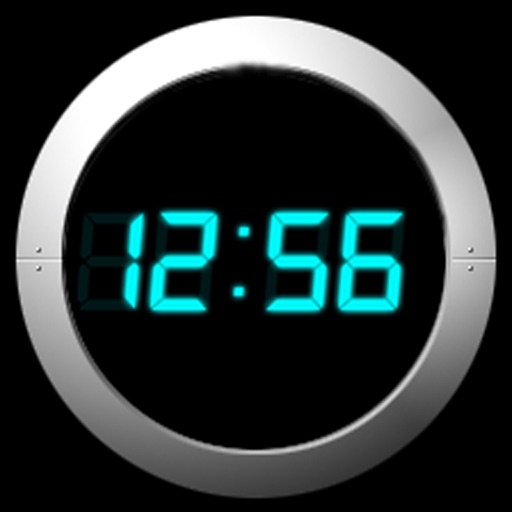
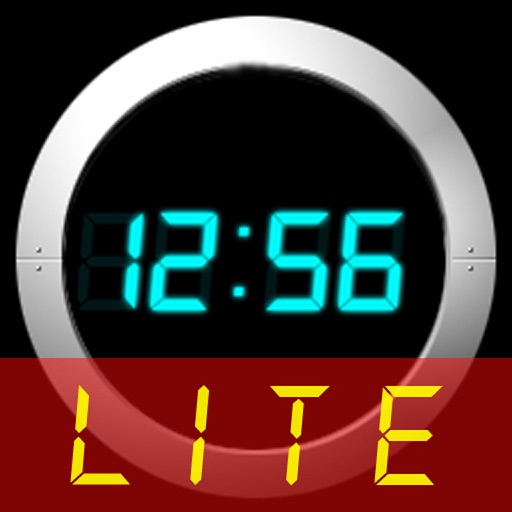
Set alarms with from your iPod library. Choose multiple alarms and customize vibration settings. Enable weekday/weekend repeats and switch between digital and analog themes. Adjust colors and time/date settings.
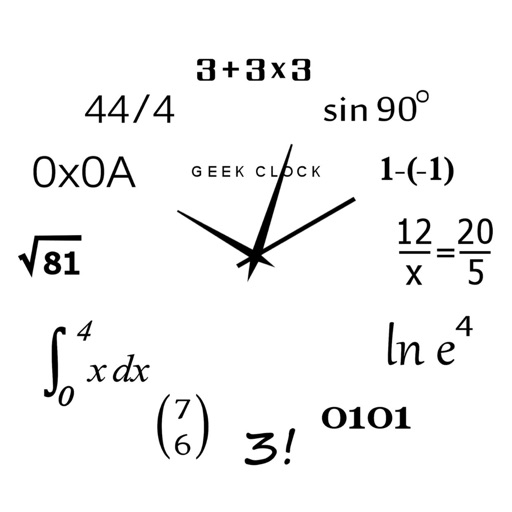
Display time using math problems instead of numerals. Switch between horizontal and vertical layouts. Toggle day and night themes. View animated quotes related to culture. Solve equations to reveal time.
A stopwatch with analog and digital displays, accurate to 1/100 of a second. Users can record multiple laps and copy lap times to the clipboard. Features include a metallic design and lap mode.
Set alarms with customizable sounds and flashlight alerts. Customize face with images and colors. Adjust brightness and use as desk or bedside . Display time in analog or digital format. Enable lock screen functionality.
Navigate with precision and explore trails efficiently
Navigate with multiple styles, including analog and digital interfaces. Set and track waypoints, view elevation data, and receive turn-by-turn guidance. Sync with GPS devices and share route maps.
Access shortcuts, , and quick actions on Home Screen, Lock Screen, and Notification Center. Customize layouts with favorite apps and . Set up intelligent shortcuts for frequent tasks. Manage groups and organize home screen layouts.
The app offers multiple alarms with customizable settings and a choice of digital or analog themes. It displays time and date with adjustable formats and includes a flashlight feature.
A bill splitter calculator with minimalist design and single-screen interface. Adjust , tips, and payers with one touch. Automatically rounds amounts and displays percentage changes. Offers dark mode for reduced eye strain.
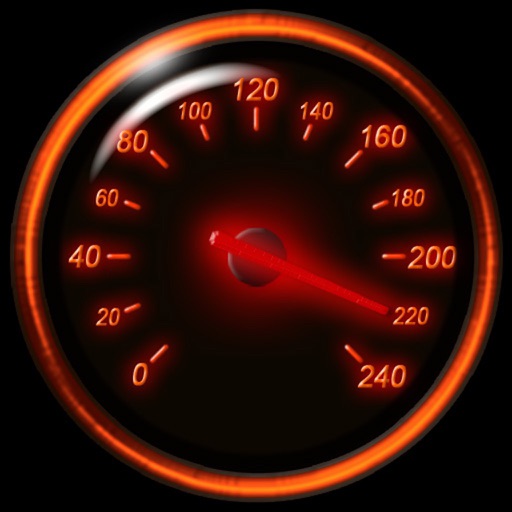
Track speed using iPhone's GPS. Display speed in mph or km/h based on region settings. Show max and average speed. Choose between digital and analog display styles. Monitor speed during car, bike, running, or riding activities.
A that remains dark except when needed. Display hides after adjustable time interval. Tap screen to view time, which disappears again after the interval. On iPhones in portrait mode, wave hand to activate time display via proximity sensor.
Control 3D printers remotely via phone, tablet, or computer. Monitor print progress in real time, receive notifications when prints complete, and access smart tools for enhanced . Manage multiple printers, adjust settings, and view print history.