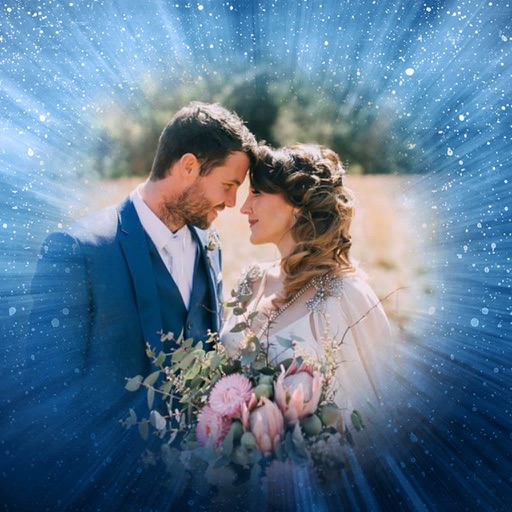
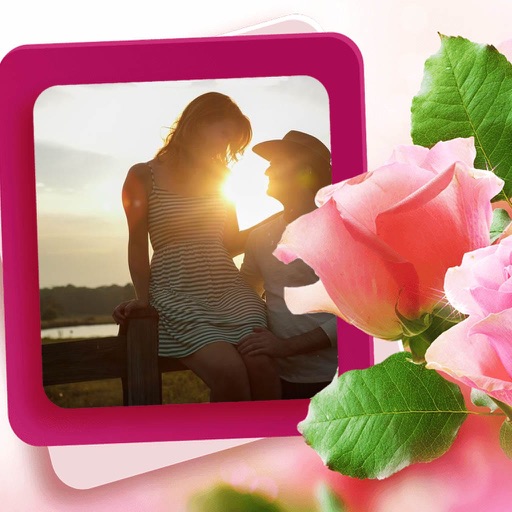
Display photos from device storage, iCloud, Facebook, Flickr, Instagram, Google Photos, and Dropbox. Show all photos or specific albums. Customize frame layout and transition effects. Share photos via social media or email.
by Susan Gardiner Bourlier★ 4.1470 ratingsPhoto & VideoFreeData updated 2026-09-09
The app provides selected Christmas wallpapers and backgrounds for iOS devices. It features a user-friendly interface, quick navigation, and a slideshow option for viewing images.
Save photos from videos by playing in real-time, slow, or ultra slow motion. Pause and select frames to capture moments. Share photos via Facebook, Instagram, Twitter, and email. Free version includes watermarked shares.
Edit photos by importing from camera or gallery. Add glasses, mustaches, beards, hats, and bowties. Resize, rotate, adjust transparency and color. Erase parts of accessories for a custom look. Share edited photos directly.
Create and with friends across Snapchat, Instagram, and WhatsApp. Add photos to a , invite friends to view and comment, and manage access settings. Sync with multiple platforms and track who has viewed each .
Manage and transfer files between iOS devices and USB storage connected to RAVPower . Upload files to USB storage for access by other devices. Connect up to five devices simultaneously for file sharing and collaboration.
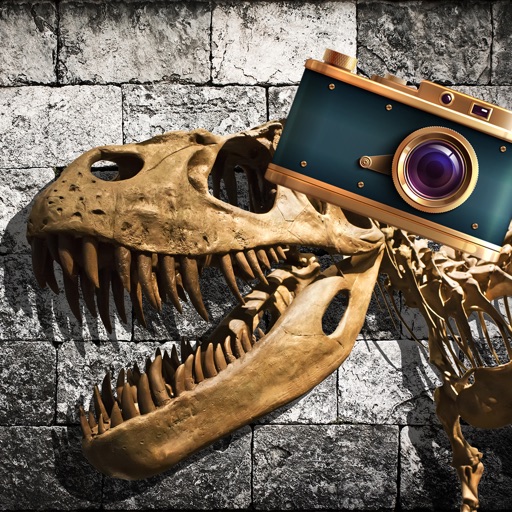
Add realistic dinosaurs to photos with tap-to-place features. Choose from over 60 species including Tyrannosaurus, Pteranodon, and Stegosaurus. Share edited photos on social media platforms like Facebook, Twitter, and Instagram.
Securely store and protect personal photos with PIN or fake passcode access. View login logs, clear security history, and manage unlimited albums. Password-protect all images and monitor break-in reports.
Edit videos with AI-powered enhancements like upscaling, noise reduction, motion blur, and frame rate adjustment. Create slideshows from photos, add music, and generate memes. Boost quality and export in various formats.
Edit photos with filters, select and apply Independence Day , add text with customizable font style and size. Share edited photos via social links. Set color options and arrange images in sets.
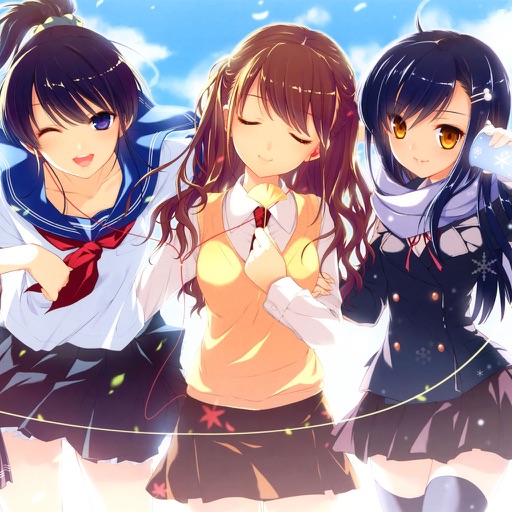
Download and save high-resolution anime girl to your photo gallery. Share via Facebook, Twitter, and Google+. All content is optimized for clarity and requires an internet connection.
Apply filters and to photos. Select from pre-designed templates to create images or cards. Edit photos by adding text, stickers, and custom . Share edited photos directly.
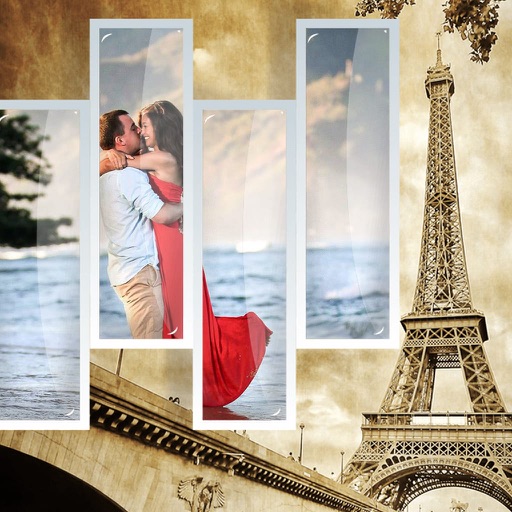
Edit photos by selecting from the gallery or using the camera. Apply multiple frames and effects. Adjust position, size, and angle. Save edited images and share via social media or email.
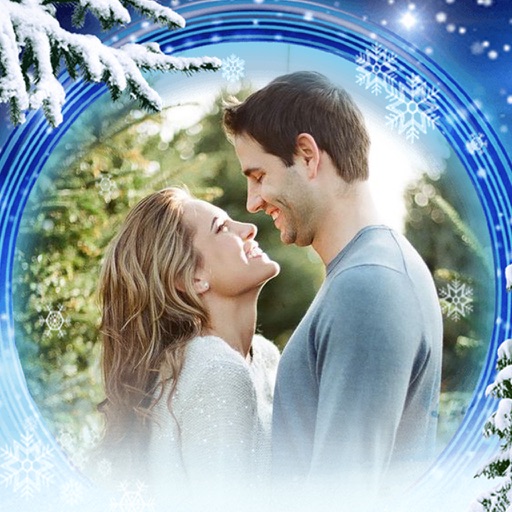
Edit photos with -themed and effects. Choose from multiple creative designs. Import images from gallery or camera. Adjust brightness, contrast, and color. Share via Facebook, Instagram, or WhatsApp. Save high-resolution versions.