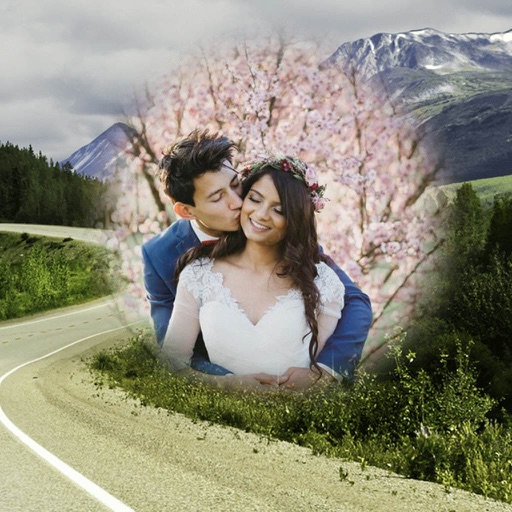
Create 3D photos from 2D images using built-in tools. Apply photo masks to isolate subjects. Combine multiple photos to form composite images. Share edited photos directly. Adjust lighting and colors for enhanced visuals.
by Guangzhou Beauty Information Technology Co.,Ltd.★ 4.9159 ratingsPhoto & VideoFreeData updated 2026-09-09
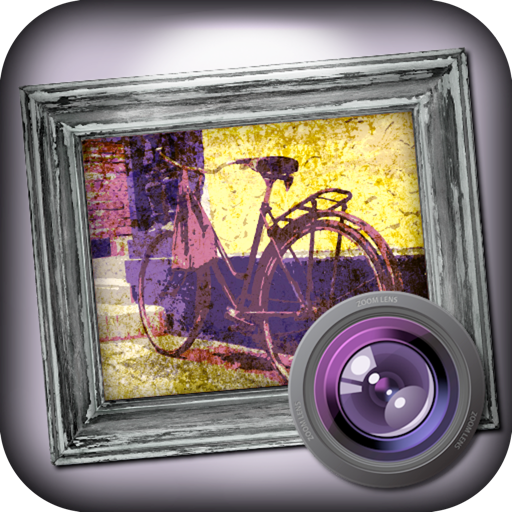
The app transforms photos into grungy, distorted, and distressed images. Users control colors, overlays, and borders, with endless combinations and a randomize button for unexpected results.
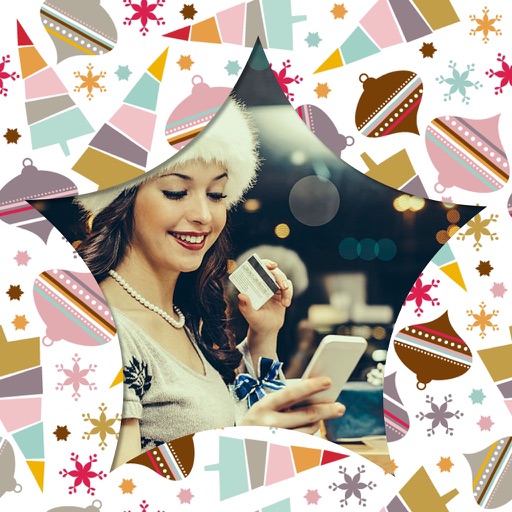
Add New -themed to images. Choose from various designs and customize with text. Share edited photos directly to social media or messaging apps. Apply instantly without needing additional editing tools.
Remove backgrounds with one-tap AI detection. Adjust edges and transparency manually. Replace backgrounds with solid colors or images. Export edited photos in high resolution.
Edit photos with warping, stretching, and distortion tools. Apply like fat, bald, or huge smile. Add mustaches, beards, and hair stickers. Select from gallery or capture new photos. Export and share edited images.
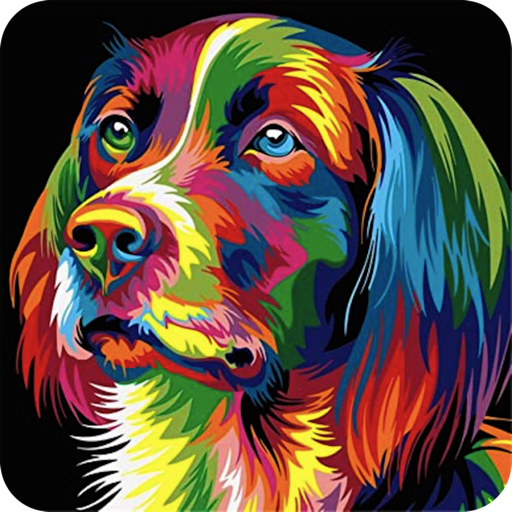
Transform photos into , comic, or cartoon styles using AI-powered filters. Apply cartoon effects with a single tap. Choose from vibrant comic book filters to enhance images. Export edited photos directly.
Restore and enhance old photos with AI-powered tools. Colorize black-and-white images, sharpen details, and remove blur. Adjust brightness, contrast, and saturation. Save and share edited photos directly.
Edit photos with realistic AI enhancements, preserving natural lighting and texture. Adjust weather conditions to brighten skies or enhance lighting. Expand scenes and poses to create new, cinematic frames. Export edited images in high quality.
Split photos into 3×2, 3×3, 3×4, or 5×5 grids. Save images in high resolution. Choose grid styles and export directly. Share ready-to-post layouts on Instagram.
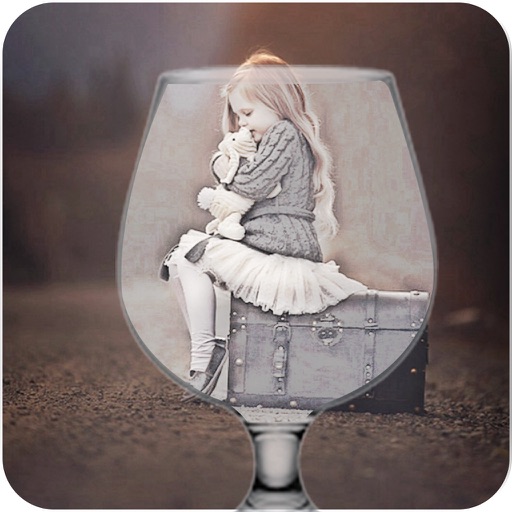
Edit photos by applying various frames and effects. Select images from the gallery or capture new photos. Access multiple stylish frames and decorative options. Save and share edited photos directly.
Apply effects like , Doodle, and Hatch to photos. Add photo frames to edited images. Use Photo in Photo feature to overlay sketches on original photos. Edit and share modified photos directly.
Create AI-generated images from selfies, transforming them into anime heroes, cosplay characters, or action figure-style portraits. Edit photos with cartoon filters and styles. Generate custom art in pixel RPG, cyberpunk, or collector-style themes.
Edit photos to create black-and-white images with vibrant color splashes. images using brush strokes. Adjust colors and details for high-resolution output. Save and share edited photos.
Edit photos with date stamps and cute stickers. Add high-quality card images and decorative elements. Create unlimited cards with beautiful messages. Share edited photos and cards directly.
Edit photos by selecting from the gallery or capturing with the camera. Apply multiple and effects. Adjust position, size, and angle. Save, share, or upload images to social media platforms like Facebook, Twitter, or email.
Use Fibonacci to compose photos. Preview images before saving. Capture selfies, family moments, and scenery with enhanced composition. Adjust framing and export photos in various formats.
Create personalized images using AI-generated styles. Adjust facial features, try different outfits, and apply filters. Save and share edited images directly. Edit and refine details for professional or creative use.
Apply filters and adjust settings to modify hairstyles in photos. Choose from a variety of haircuts and styles. Edit images from the gallery or camera. Save and share edited photos directly.