Create 3D photos from 2D images using built-in tools. Apply photo masks to isolate subjects. Combine multiple photos to form composite images. Share edited photos directly. Adjust lighting and colors for enhanced visuals.
by Guangzhou Beauty Information Technology Co.,Ltd.★ 4.9159 ratingsPhoto & VideoFreeData updated 2026-09-09
Edit photos by selecting from gallery or camera. Add background images from a large collection. Draw on images using finger. Adjust and enhance photos for creative effects. Share edited images directly.
Create albums and collages with customizable text, fonts, and colors. Add stickers, , and backgrounds. Design greeting cards with personal messages. Edit images with predefined styles and categories. Share edited photos directly.
Create professional headshots using AI-generated images. Upload a photo, select styling options, and generate realistic headshots. Edit lighting, background, and pose. Export in high resolution and share directly.
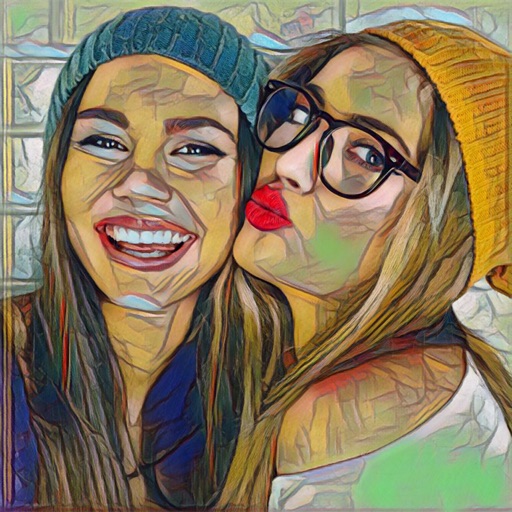
Edit photos with 30+ art and cartoon . Apply hipster-style to images. Save and share edited photos directly. Adjust brightness, contrast, and saturation. Export in standard image formats.
Create photo collages by selecting and arranging images. Adjust layout, colors, and borders. Export collages in various formats and share via email or social media. Import photos from devices or cloud storage.
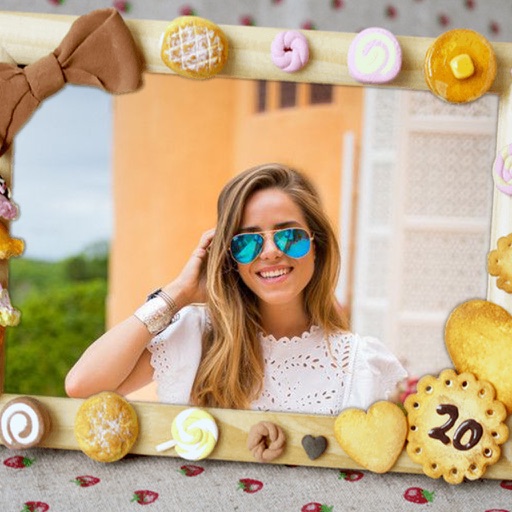
Create photo collages, scrapbooks, greeting cards, calendars, albums, and posters. Use 180+ templates to arrange images. Add text, stickers, and borders. Share collages directly or export in multiple formats.
Turn photos into digital art with neural network-based transformations. Choose from anime, 3D, fantasy, and realistic styles. Apply filters for age swap or effects. Save and share the edited images.
Edit photos by selecting from the gallery or capturing new ones. Apply various and effects. Adjust position, size, and angle. Save edited images and share via social media, email, or messaging apps.
Edit photos by selecting from the gallery or capturing new ones. Apply various and effects. Adjust position, size, and angle. Save edited images and share via social media, email, or messaging apps.
Download and manage photos. Post to social . Update listing details and generate links. Print marketing materials. Check photo shoot appointments. Place orders and pay balances.
Edit photos by removing blur, repairing damage, and adding color using AI technology. low-quality images to high definition. Save and share enhanced photos directly.
Edit photos with AI enhance, magic remove, and background change. Create collages and apply filters, templates, and stickers. Recolor old photos and generate text-to-image or image-to-image edits. Share edited photos directly to social media.
Create invitations with customizable layouts and a library of images. Add text, choose designs, and export in HD quality. Share invitations via email or social media.
Create -themed photos with customizable , stickers, and text effects. Apply color filters and adjust brightness. Share edited photos directly to social media or messaging apps.
The app generates pencil sketches from photos using the iPhone camera. Users can select images from their gallery or capture new ones to apply various effects like wall paint, comics, and watercolor.
Edit photos with effects, spirals, art, and beauty filters. Add background arts and adjust brightness. Export edited images in various formats and share directly.
Create looping videos from any footage or Live Photo. Apply filters, animated overlays, and editing tools. Add music for enhanced effect. Share directly from the .