
Retro Camera - Photo Editor
Danijel Cvetkovic
Edit photos with effects and filters
Edit photos with vintage filters, effects, and customizable frames. Add text and stickers. Crop and adjust images. Save and share edited photos directly.

Create 3D photos from 2D images
Create 3D photos from 2D images using built-in tools. Apply photo masks to isolate subjects. Combine multiple photos to form composite images. Share edited photos directly. Adjust lighting and colors for enhanced visuals.
Showing 721–740 of 1,000 ranked alternatives.
Danijel Cvetkovic
Edit photos with effects and filters
Edit photos with vintage filters, effects, and customizable frames. Add text and stickers. Crop and adjust images. Save and share edited photos directly.
Maria Gascon
Create striking images in minutes.
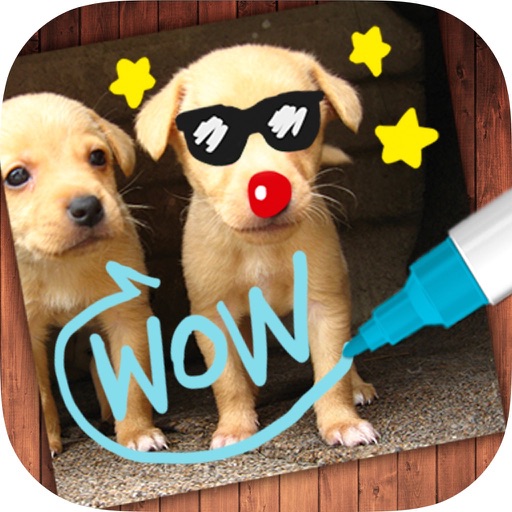
The app allows users to create images by writing notes, drawing, and adding captions. Users can select photos from their gallery or take new ones to add various drawing tools and colors.

Dipen Shukla
Create collages from photos
Create collages by combining up to 20 photos. Choose from 100+ layout options. Edit images with filters, stickers, text, and doodles. Adjust ratios and background styles. Save and share the final design.
Intelectiva Soluciones Innovadoras Sociedad Limitada
Create striking images in minutes.
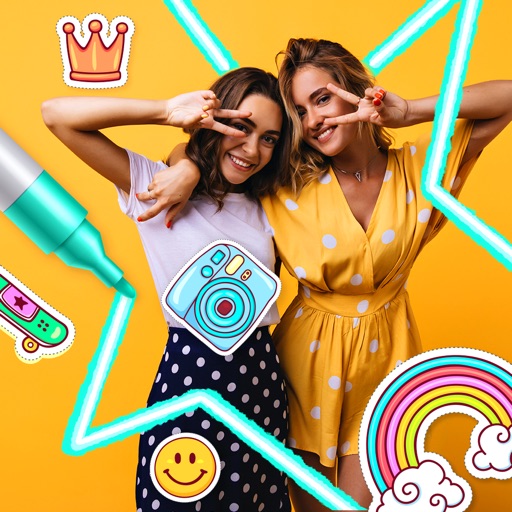
The app allows users to create images using a text editor and drawing tools. Users can select from different pencil types and colors, change backgrounds, and add captions to photos.
sejal thesiya
Edit photos, paint colors, apply effects
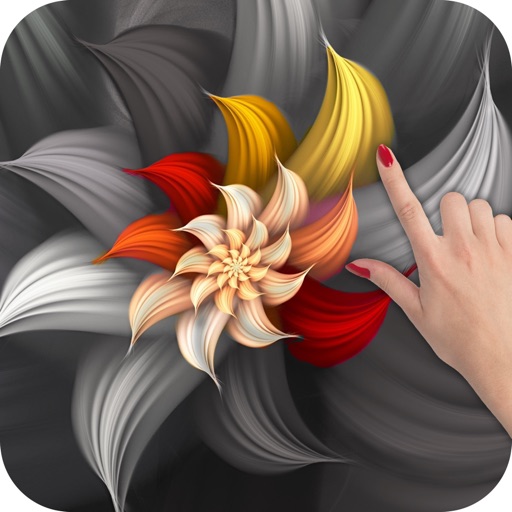
Convert photos to black and white, sepia, or mono formats. Apply splashes to specific areas using touch. Adjust effects like hue, saturation, and contrast. Add photo filters for enhanced visuals. Export edited images in various formats.

鹏 刘
Cut photos into nine and save
Cut photos into nine sections. Apply special effects to each section. Save edited images to the album. Share photos in social media with custom order.
Michael Weber
Swap faces in photos instantly
Edit photos with one-click swapping. Adjust swapped faces by zooming, rotating, repositioning, removing, inverting, and modifying contrast and saturation. Export edited images directly.
Samuel Ippisch
Turn photos into art
Transform photos into -style artwork using AI. Select an image from the camera roll. Apply filters via AI processing. Save the result and share it directly.

out thinking private limited
Edit photos, add text, create collages
Edit photos with filters, cropping, and brightness adjustments. Add text overlays for customization. Create collages by combining multiple images. Arrange photos in customizable grid layouts.
Patel Ravjibhai
Edit photos with patriotic frames and stickers
Edit photos with predefined Independence Day frames, 100+ frames, and 50+ stickers. Add name art and adjust images. Share edited photos directly.

Mobisoft Labs
Merge images into one collage
Combine multiple images into one collage with horizontal or vertical scrolling. Crop photos to select specific areas. Apply color effects to enhance visual appearance. Export the merged image for sharing or saving.

Yeon Tai Ang
Capture moments
Edit photos with high-quality and adjust settings for optimal resolution. Select images from the library or capture new ones. Apply stylish themes and save edited photos directly to the device.

MURAT TANRIKOLOGLU
Edit photos, swap faces, generate images
Edit photos with AI-powered filters, face swapping, and style transformations. Adjust lighting, colors, and backgrounds. Add text and stickers. Export in various formats and share directly.
Piyush Parsaniya
Edit photos with frames
Edit photos with romantic frames and backgrounds. Add text and stickers. Adjust brightness and contrast. Crop images and apply filters. Share edited photos directly.

Zohaib Aslam
Edit photos with AI-powered transformations
Edit photos using text prompts to instantly transform images. Change backgrounds, alter outfits, restore old photos, and add selfies with childhood versions. Export edited photos and share directly.

Eli Rykoff
Upload videos and photos to Flickr.
The app uploads videos and photos to Flickr. It allows users to select content from their library or capture it directly within the app.

Intelectiva Soluciones Innovadoras Sociedad Limitada
Edit photos, create collages, apply
Edit photos with , , and collage tools. Create and custom layouts. Adjust brightness, contrast, and saturation. Add text and stickers. Export and share edited images.


Spire Labs SRL
Edit photos, create characters, design masterpieces
Edit photos with AI-generated artistic styles, including cartoon, mermaid, and business mogul effects. Apply filters, adjust colors, and add text. Export and share edited images in various formats.

Maria Gascon
Edit photos with and icons
Edit photos with and icons. Add humorous adhesives and create festive cards. Share edited images directly. Adjust layout by dragging . Save or export final designs.
Apps are ranked by functional similarity, category fit, rating confidence, and popularity.