Create 3D photos from 2D images using built-in tools. Apply photo masks to isolate subjects. Combine multiple photos to form composite images. Share edited photos directly. Adjust lighting and colors for enhanced visuals.
by Guangzhou Beauty Information Technology Co.,Ltd.★ 4.9159 ratingsPhoto & VideoFreeData updated 2026-09-09
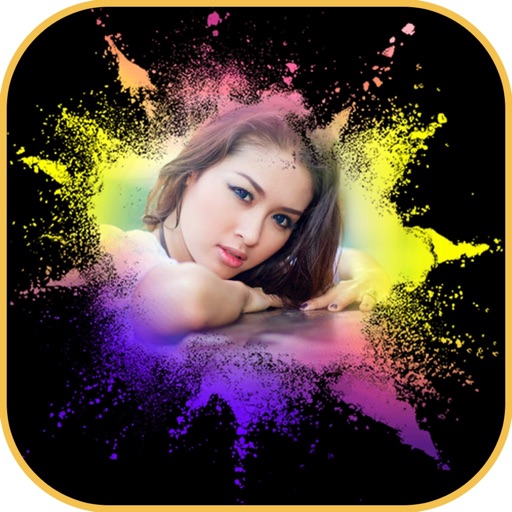
Edit photos with mosaic, pixelation, vignette, overlays, and HDR effects. Apply shattering effects with real-time adjustments. Export edited images in various formats and share directly.
Edit photos to enhance clarity and detail. Remove blur and adjust colors. Generate AI art from text prompts. Create videos with AI-powered editing tools. Export and share final projects in various formats.
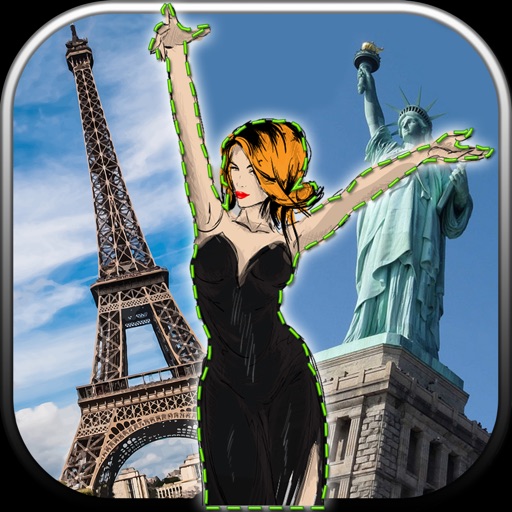
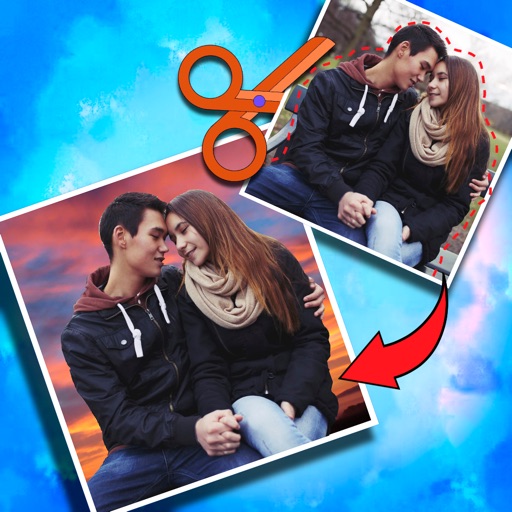
Edit photos by removing unwanted backgrounds and replacing them with scenic images. Cut out subjects and paste them onto new backgrounds. images for seamless montages. Share edited photos directly.
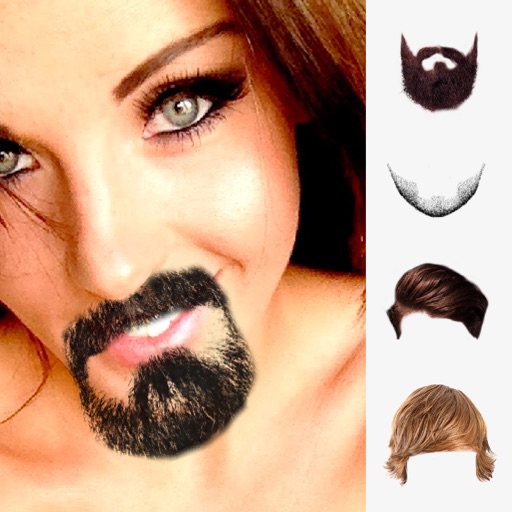
Add girls to photos using preloaded images. Select and position girl photos over existing images. Adjust size and transparency. Save and share edited photos directly.
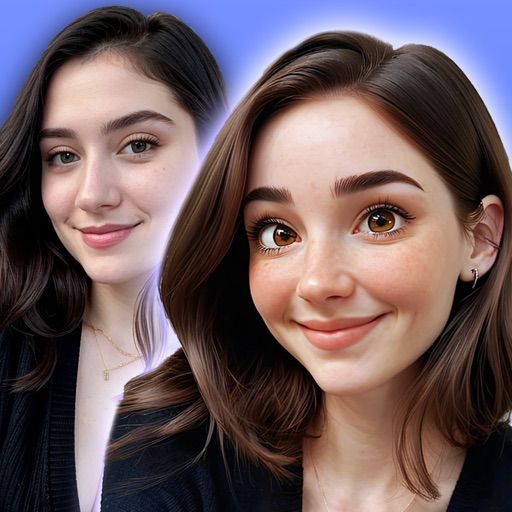
Convert photos into or anime-style images with AI-powered tools. Apply comic filters, adjust colors, and add artistic effects. and share transformed images directly.
Enlarge and enhance images to improve clarity and resolution. Adjust size and quality settings. Apply AI-powered sharpening and noise reduction. Save and share enhanced photos directly.
Capture night sky images using proprietary image processing algorithms. Adjust exposure and focus manually. Save and share photos directly. View time-lapse sequences and star maps. Stabilize phone on a tripod for clear shots.
Edit photos with AI-powered transformations using text prompts. Remove objects, change backgrounds, and apply artistic styles. Adjust colors and lighting. Save and share edited images. Zoom and pan for detailed editing. No complex tools required.
Create realistic photos with AI-generated styles. Choose from various themes like luxury, adventure, and glamour. Edit images with filters, adjust colors, and add text. Save and share edited photos directly.
The app offers a large collection of Hollywood special effects for photo editing. Users can add professional composition tools like color correction, motion blur, and fog to their images.
Crop photos and save individual cropped sections for later use. Combine cropped images with backgrounds or other photos to create new compositions. Apply filters to enhance the visual appearance of edited images.
Edit photos by selecting from the gallery or using the camera. Add and adjust their position, size, and rotation. Crop images by dragging or scaling with two fingers. Share the edited photo directly.
Edit photos with AI-powered enhancement, colorization, and object removal. Adjust lighting, sharpen details, and correct imions. Apply filters and restore old photos. Export edited images in various formats.
Edit photos with AI-powered tools, object removal, and background changes. Apply artistic styles and one-tap enhancements. Export edited images in multiple formats and share directly.
Create designs with 4,000+ templates and 50+ fonts. Use pre-made projects to customize layouts. Edit photos in- with basic tools. Export designs for printing.
Edit photos with AI cartoonization and 3D effects. Adjust colors, lighting, and sharpness. Crop, rotate, and apply filters. Add stickers and music. Use templates and transitions to enhance videos. Share edited content directly.