Create 3D photos from 2D images using built-in tools. Apply photo masks to isolate subjects. Combine multiple photos to form composite images. Share edited photos directly. Adjust lighting and colors for enhanced visuals.
by Guangzhou Beauty Information Technology Co.,Ltd.★ 4.9159 ratingsPhoto & VideoFreeData updated 2026-09-09
Create and edit images with AI-generated effects and styles. Transform photos into artistic visuals with customizable templates. Share edited images directly to social media. Adjust colors, lighting, and effects for professional-quality results.
Edit photos to create professional headshots using AI technology. Adjust lighting, background, and composition. Remove distractions and enhance details. Export in high resolution and share directly.
Customize skies with high-resolution objects and futuristic lens flares. Add celestial elements, adjust lighting, and apply effects to photos. Export edited images in various formats and share directly.
Convert photos into 8-bit art using AI and manual drawing tools. Adjust colors, resize, and refine details. Export as image files or share directly. Create profile pictures, game assets, or digital art with customizable settings and editing options.
Edit photos by adding custom logos. Choose from Square, Landscape, or Portrait formats. Import images from the photo library. Add custom text to create a . Adjust font, size, rotation, and color. Position the anywhere on the canvas.
Edit and style baby, pregnancy, and child photos with customizable backdrops and filters. Add text overlays and adjust lighting. Save and share final images directly.
Blur image backgrounds to create effects. Select photos from gallery or capture new images. Apply multiple blurring tools to adjust blur intensity. Export edited photos to device storage.
Create custom collages and photos with precise measurements. Adjust using millimeters, centimeters, and inches. Rotate and mirror images for accurate alignment. Export and directly from the .
Create AI videos from photos with animation and style options. Generate photo packs with character transformations. Edit videos with built-in tools. Export and share finished projects.
Edit photos with retro stickers, texture filters, and local additions. Adjust brightness, contrast, and saturation. Save edited photos with memory storage features. Share edited images directly.
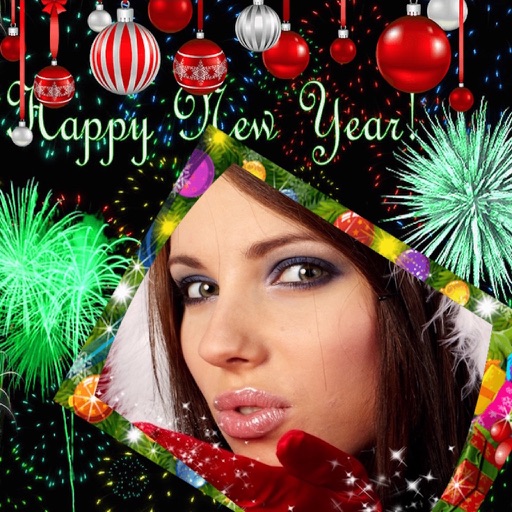
Edit photos with New and collages. Add text and custom greetings. Create cards for wishes. Decorate images with realistic effects. Share edited photos directly.
RAY INFORMATICS YAZILIM TEKNOLOJI MEDYA DANISMANLIK VE EGITIM TICARET LIMITED SIRKETI
Enhance, restore, and upscale photos
Edit photos with unblurring, enhancement, and upscaling tools. Restore damaged or faded images. Adjust clarity and sharpness. Save and share edited photos directly.
Edit photos with skin smoothing and whitening features. Adjust enhancement levels from 1 to 8. Apply 12 unique filters for enhanced selfies. Add makeup tools for detailed facial enhancements. Save and share edited images directly.
Edit photos by flipping or mirroring with a finger swipe. Resize images using the same gesture. Create mirrored copies next to original photos. Save and share edited images directly.
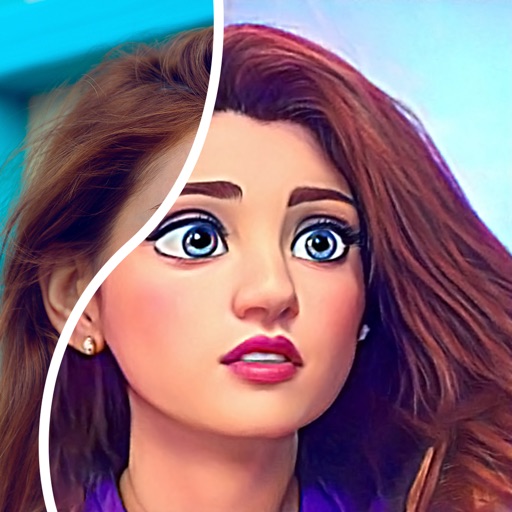
Convert photos into comic styles using AI algorithms. Edit avatars with retouching tools. Access various comic templates. Apply filters and adjust images for effects. Share edited images directly.
Create collages with customizable blur backgrounds and adjustable layouts. Apply filters like black and white, vintage, and retro to enhance images. Edit photos by resizing, cropping, or deleting elements.
Add to photos with customizable fonts, colors, and styles. Adjust size and position for precise placement. Apply effects and export edited images directly.