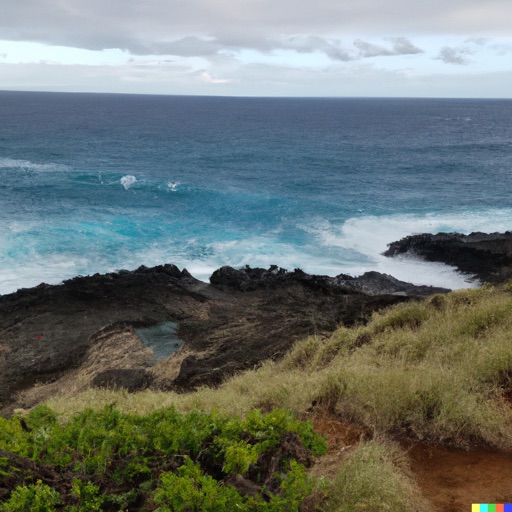
The app allows users to create unique iPhone wallpapers by adjusting blur levels on photos. Users can save, set, and share their creations in HD through various social platforms.
by AppMaven, LLC★ 1.01 ratingsPhoto & VideoFreeData updated 2026-10-31
The app transforms user photos into videos using an AI that analyzes quality, faces, composition, and lighting. It offers over 40 transitions, a music library, and export options for various social platforms.
Create slideshow videos by selecting templates, adding photos or videos, and applying transitions, animations, and effects. Customize with stickers, fonts, and music. Share directly to social media platforms or save to camera roll.
Edit photos using like Linear, Vignette, and Sepia. Adjust brightness, contrast, and color with tone curve tools. Apply blur, focus, and rotation. Add stickers, text, and emoticons. Crop and resize images.
The app transforms user photos into watercolor and ink illustrations. Users can save and share their creations through various social media and messaging platforms.
Capture photos and videos with customizable PIP frames. Apply foreground filters and background effects like blur, zoom, and comics. Add motion effects such as fire and snow. Create PIP videos or GIFs and share directly.
Set wallpapers for devices with high-resolution images from . Choose between 4K UHD and Full HD options. Download new wallpapers daily. Customize home screens with unique and high-quality backgrounds. Supports various screen sizes and resolutions.
Photos with a variety of filters including Normal, Linear, Vignette, Instant, Process, Transfer, Chrome, Fade, Curve, Tonal, Noir, Mono, and Invert. Adjust lighting, chromatic aberration, and blackout settings.
Wallpaper provides high-definition for home screens. Users can browse sports, gaming, and aesthetic designs. Customize with color filters and save to device. Share selected images via social media.
Create animated GIFs, videos, or Live Photos by adding and trimming multiple videos, adjusting playback speed, and layering photos. Include text and export directly. No subscription required.
Take photos or choose existing images. Adjust and crop the photo. Add holiday-themed objects like hats, trees, and glasses. Apply Christmas-themed effects and frames. Share the edited photo on Facebook, Twitter, or via email.
Customize lock screen with artistic layouts and notch templates. Choose from 50+ notch designs. Set background images and themes. Adjust layout to fit device dimensions. Save and apply custom designs.
Edit photos with filters, effects, and text tools. Add stickers, shapes, and draw over images. Adjust colors, lighting, and focus. Crop, resize, and enhance details. Apply tone curves and retouch features. Export and share edited photos.