The app allows users to create unique iPhone wallpapers by adjusting blur levels on photos. Users can save, set, and share their creations in HD through various social platforms.
by AppMaven, LLC★ 1.01 ratingsPhoto & VideoFreeData updated 2026-10-31
Photos with filters, adjustments, and effects. Apply blur, focus, and rotation. Add text, stickers, and draw on images. Crop, resize, and enhance photos. Remove blemishes and whiten smiles. Save or share edited images.
With filters, cropping, and adjustment tools. Apply beauty enhancements and double exposure effects. Use color splash and resize images. Access frames and story templates. Change resolution and export in multiple formats.
Create custom wallpapers by combining photos of models, actors, sports stars, and personal images. Choose from various icon backgrounds and place them freely. Edit images with effects and adjust styles.
Create collages, stories, and posts from photos with 1000+ layouts and themed templates. Remix up to 20 images with editing tools. Apply filters, remove backgrounds, and add cutouts. Share directly to social media or save as files.
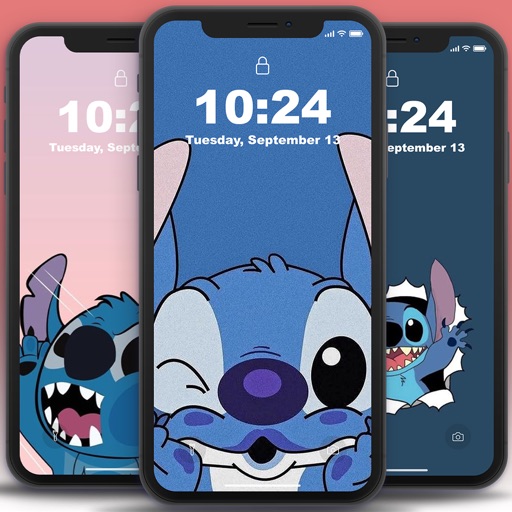
Set home and lock screen with high-resolution images. Choose from static and animated options. Customize wallpaper settings for optimal display. Share via social media or messaging.
The app allows users to create single-colored or gradient-colored wallpapers. Users can export their creations to their Camera Roll for use on lock and home screens.
View high-resolution wallpapers optimized for iPhone and iPad. Access dark, neon, and cinematic themes with a retro atmosphere. Explore supernatural, sci-fi, and mysterious visuals. Set as home screen or lock screen. Share wallpapers directly.
Download wallpapers and customize your mobile background
Set home or lock screen wallpapers from a selection of high-quality images. Choose from over 500 options, which will expand over time. Save preferred wallpapers and apply them to your device.
Display a countdown timer and set reminders for holiday events. Browse and set -themed wallpapers. Include festive images of decorated homes, family gatherings, and holiday traditions. Share holiday content and view religious activities related to .
Create dynamic wallpapers using personal photos. Select templates, add images, and generate cohesive collections. Automatically change wallpapers based on selected photo sets. Sync with iOS 16 Photo for seamless integration.
Browse and download HD wallpapers and home screen for various resolutions. Search for specific themes or categories. Set downloaded wallpapers as home screen or lock screen directly from the . Access all wallpapers through the device's gallery.
Add aesthetic and functional to your home screen. Choose from pre-designed options or create with an editor. Access various widget types including photo, countdown, weather, and quotes.
Create -themed collages using 100+ available frames. Add text with customizable fonts and colors. Adjust opacity and rotate images. Select photos from gallery or camera. Apply effects to enhance visuals.
Create collages by selecting from 1000+ layouts, grids, and templates. Add photos, adjust sizes, and apply filters. Share collages directly to social media or via email. Edit text, add stickers, and crop images within the .
The app allows users to create collages for iPhone or iPod Touch wallpaper using a multitouch interface. It offers creative options such as a black-and-white or sepia converter, border addition, and transparency adjustment.