The app allows users to adjust image sizes for various formats including JPEG, PNG, GIF, and SVG. Users can select preset sizes or input custom dimensions to the nearest pixel, with options for proportional resizing and quality control.
by Geekme GmbH★ 1.01 ratingsPhoto & VideoFreeData updated 2026-10-31
Photos by importing from camera roll. Apply effects and frames. Adjust brightness, saturation, and contrast. Crop, rotate, and straighten images. Add text, stickers, and draw. Sharpen, blur, fix red eye, remove blemishes, and whiten teeth.
The app resizes and renames many photos to decrease their file size. It allows users to rotate, crop, add watermarks, and alter colors or brightness for all images simultaneously.
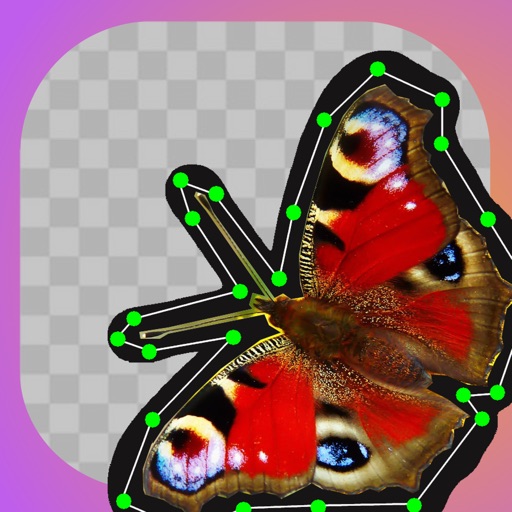
Edit images by clipping and cropping sections with "magic cuts." Search for or use personal images. Adjust and organize layers. Save and share edited images with friends.
The app allows users to add multiple text or image watermarks to photos. Users can adjust size, opacity, color, font, strokes, and shadows for each watermark.
Memos written on compatible boards using the smartphone camera. Select the model to adjust image size. Edit scanned images with write, erase, and add tools. Save and share the final image.
The app enables users to overlay text onto images or videos. Users can customize text with various font styles, sizes, colors, and outlines, placing it anywhere within the media.
Calculate panoramic image size based on screen dimensions and projector resolution. Switch between automatic and manual modes to adjust projector count and overlap. Generate optical reports and power calculations in square meters or square feet.
Apply light leaks and textures to photos with customizable position, angle, size, blend mode, opacity, hue, saturation, and lightness. Use preloaded or custom effects and combine multiple textures for creative results.
Load photos from a table. Add text or image watermarks with customizable font, color, opacity, and positioning options. Resize photos to desired dimensions. Export in PNG, TIFF, JPG, GIF, BMP, JP2, or HEIF formats.
Edit photos by selecting from the gallery or capturing with the camera. Apply various and effects. Adjust position, size, and angle. Save, share, or upload images to social media platforms like Facebook, Twitter, and email.