Track progress over time with daily, monthly, and yearly updates. Add personalized couple photos to document moments. Celebrate anniversaries and create traditions. Share milestones with friends and family through built-in sharing options.
Add custom captions to videos with font, color, and layout customization. Adjust text size, position, and spacing. Combine captions by word count. Export videos with captions and share directly.
Organize and view photos and videos through . Create based on date, location, media type, or camera details. New media matching criteria is automatically added to . Search by metadata attributes including city, state, country, camera make, and model.
The app collects and saves photos from the web by entering a URL. It filters images by size and works with selected sites, capturing images that appear as users scroll.
The app offers features for managing photos and videos, including cloud backup and import from albums. It provides a user guide and allows for photo slideshow playback with multi-touch gestures.
The app allows users to create stop motion animations and time lapse recordings. It features camera overlay, instant playback, and a timeline for easy navigation.
The app allows users to print photos easily and quickly. It offers two delivery options: in-store via Wi-Fi or via the web using an internet connection.
Edit photos with text, arrows, and shapes. Add and highlights. Save and share annotated images directly. Adjust transparency and position elements precisely. Export in standard image formats.
View pet-related videos including story-based content and training guides. Share photos and videos of pets to connect with other pet owners. Access a curated store for pet products based on registered pet profiles.
Allows users to add handwritten memos and photos to calendar entries. Users can take photos using a camera-equipped iPad, resize images, and input text directly into calendar events.
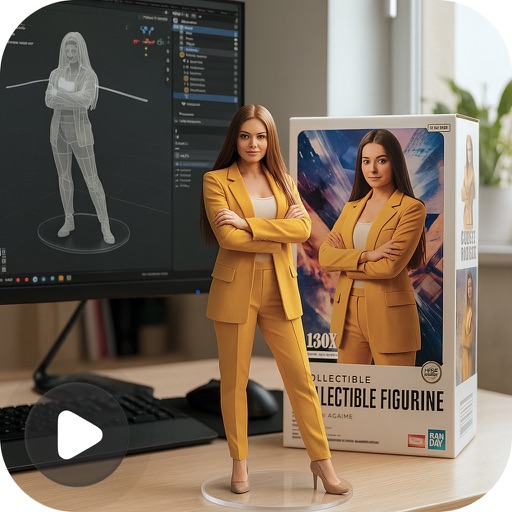
Create 3D figurines from photos using AI-powered tools. Generate realistic 3D models and animated videos. Customize collectible figurines and explore trending designs. Export and share 3D photos and videos.
Watch videos in 360° format using a VR headset or mobile device. Navigate immersive scenes with motion controls. Access a library of VR content for exploration and playback.
The app allows users to view QuickTime VR files, including objects and 360° equirectangular images. Users can import and export panos from iOS and keep a collection of full-resolution images on their device.
The app provides access to past messages, live streams, and downloadable content. Users can register for events, access ministry resources, and receive push notifications for updates.
Create notes on photos directly from the Photos without opening another . Edit images with cropping, adjustments, and text overlay. Use action extension to edit photos from any .