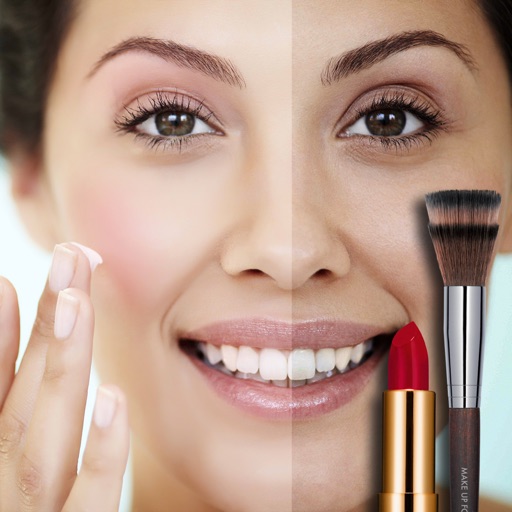
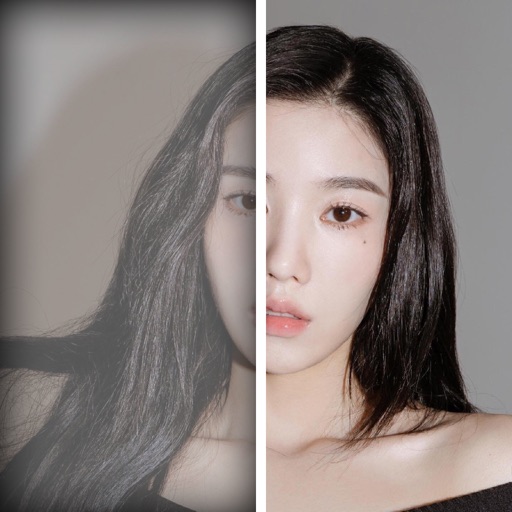
Automatically smooth and apply blush, lipstick, eye shadow, eyeliner, and mascara to portraits. Retouch faces while preserving details and texture. Perform all edits instantly without manual adjustments.
by 松滔 袁★ 4.218 ratingsPhoto & VideoFreeData updated 2026-09-09
Edit photos with color and film filters, vintage textures, and light leak effects. Adjust brightness, contrast, and saturation. Add vignettes and analog film sensations. Export edited images in various formats.
Edit photos with and facial reshaping tools. Apply over 20 unique filters. Adjust proportions, enhance curves, and refine specific areas like arms or facial features. Export edited images in multiple formats.
Edit photos with AI-powered enhancements, adjusting features like eyes, nose, and lips. lternate facial impressions with a tap. Apply natural filters and effects. Share edited images directly.
Create ID photos with AI face fusion, automatic portrait clipping, and intelligent background filling. Adjust size and generate photos in one click. Supports multiple types and smartphone use.
AI enhancement adds warmth, depth, and emotion to images. Apply cinematic moods, atmospheres, and elegant portraits with one tap. Adjust skin tones, add soft lighting, and refine textures for realistic results. Share edited photos directly.
Access tutorials created by professional photographers and visual artists. Learn techniques to improve portfolio quality and business strategies. Track progress and revisit lessons for review. Share completed projects with instructors for feedback.
Edit photos with AI-enhanced upgrades, color balancing, and lighting adjustments. Retouch skin and remove blemishes automatically. Adjust exposure, contrast, and clarity with one tap. Export edited photos in high resolution and share directly.
Take photos with the camera or select from the gallery. Choose from over 50 to add to images. Place by tapping and dragging them onto the . Share the edited directly.