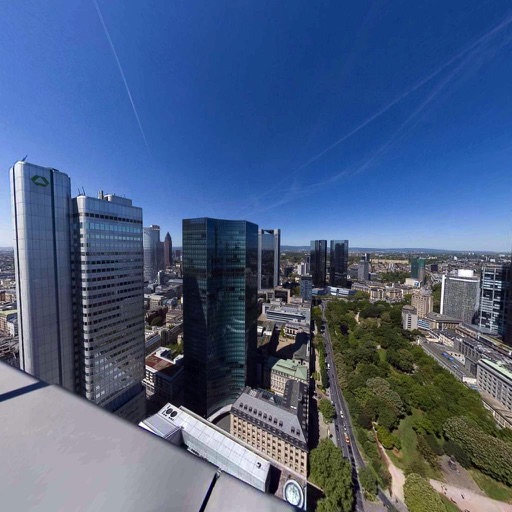
View and interact with 360° photos and videos using gyroscope controls. Edit spherical content, adjust settings, and share directly. Supports equirectangular files from various 360 cameras and stitched panoramas. Export and view on Apple TV.
by Giovanni Murru★ 4.7100 ratingsPhoto & Video$9.99Data updated 2026-09-09
Convert videos, Live Photos, burst shots, still images, and screen recordings into smooth GIFs. Trim and adjust frames for clean animations. Export as GIF or MP4. Share directly from the .
Edit videos and photos with AI-powered auto editing and manual controls. Create 360-degree content and adjust settings for cameras. Organize media into albums with customizable layouts. Export and share edited content directly.
Edit photos with manual exposure controls, precise focus, and adjustable white balance. Record smooth video with crisp audio. Export in various formats and share directly. Adjust colors and brightness for professional results.
Watch 360° spherical videos from YouTube and other websites. Browse the web in a virtual reality browser. Navigate using the Easy-Nav VR clicking system. View content as if seated in an Imax theater. Requires a virtual reality headset.
Record videos with a effect by displaying scripts beside the camera. Read lines while facing the camera to maintain eye contact. Position device freely for optimal script visibility during recordings.
Record screen videos on iPhone or iPad running iOS 11. Start recordings by tapping the red record button. Share videos directly to Camtasia for editing. Supports screen recording with extensions.
Capture photos and videos with manual controls for ISO, shutter speed, and white balance. Shoot in RAW format for detailed editing. Apply advanced effects and instant color grading. Use professional filters to enhance visuals.
Create videos using personal photos and . Select images from the Photo Library, apply transition animations and set frame durations. Save videos to the Photo Library or share them directly.
Monitor home security with real-time video streaming and two-way audio communication. Rotate camera 360° for full coverage. Send alerts to family members and adjust camera angle for privacy.
Create 3D360 photos using twin spherical shots from compatible cameras. View images in VR for immersive experience. Adjust stereo settings for optimal stereoscopic effect. Export and share equirectangular images.
Compress videos to storage . Adjust compression ratio or customize resolution, bitrate, and frame rate. Batch compress multiple videos. Split videos into shorter clips. Trim, crop, and compress photos. Clean up album videos to free up .
Capture 360° images and videos with a single click. Control the turntable and Smart Dome to create immersive visuals. Edit and export content directly within the . Fix bugs and improve performance based on user feedback.
Stream media files from iPhone or iPad to DLNA-compatible devices like TVs, AV systems, and speakers. Select media and tap to play directly on compatible devices.